
A nine-person accounting firm lost three years of client tax records in about forty seconds. A power surge during a storm fried the office’s only server, and the external hard drive sitting right next to it, plugged into the same outlet, went down with it. There was no cloud backup, no offsite copy, nothing. The owner spent the next six weeks calling clients to ask for duplicate documents, apologizing repeatedly, and losing two accounts permanently in the process.
Stories like this are more common than most business owners realize, and they’re rarely about a lack of awareness. Most people know backups matter. The real confusion is about which kind of backup actually makes sense for a business their size, and how much to rely on the cloud versus keeping things local.
This article breaks down the real differences between cloud storage and local backup, where each one shines, where each one falls short, and how small and mid-sized businesses are approaching this decision in 2026.
What Cloud Storage and Local Backup Actually Mean
Before comparing them, it helps to be clear on what each option really is.
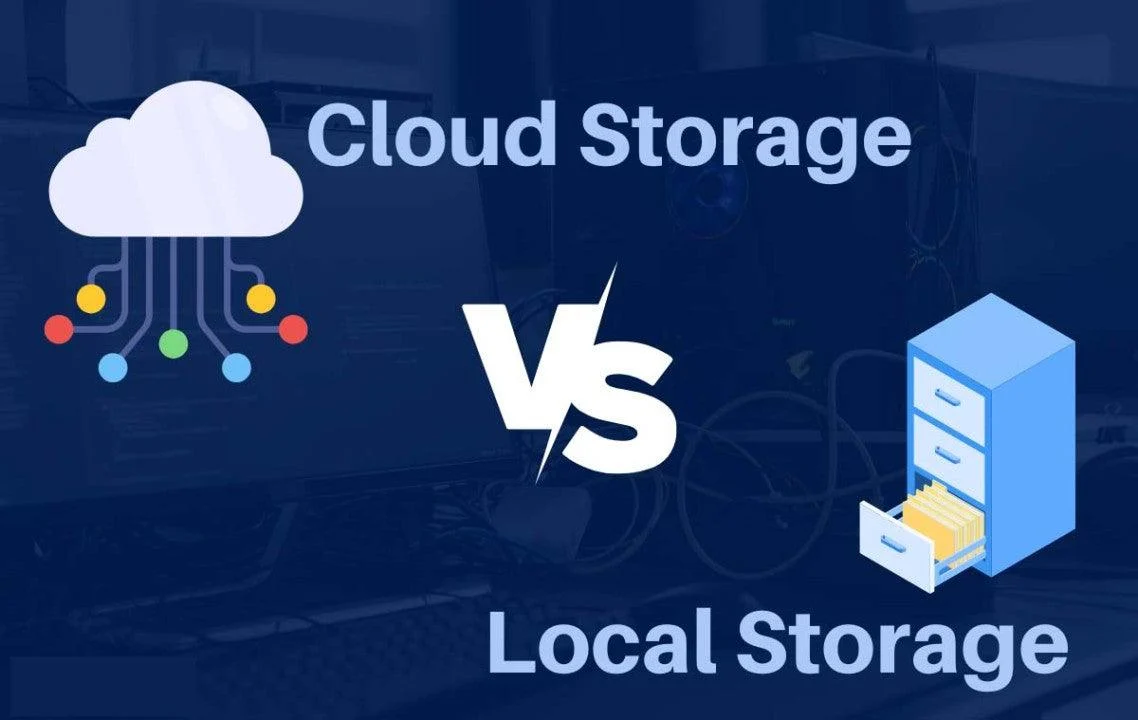
Local backup means storing copies of your data on physical devices you control, external hard drives, network-attached storage (NAS) devices, or a secondary server sitting in your office or a nearby location.
Cloud storage means your data lives on servers owned and maintained by a third-party provider, accessed over the internet. This includes general cloud storage services as well as cloud-based backup solutions built specifically for business continuity.
Many businesses assume it has to be one or the other. In reality, the strongest data strategies almost always combine both, just in different proportions depending on the business.
The Case for Cloud Storage
Accessibility From Anywhere
The most obvious advantage of cloud storage is that your data isn’t tied to one physical location. Employees working remotely, traveling, or operating from multiple office locations can access files without needing to be physically near a specific device. For businesses with hybrid or remote teams, this alone is often reason enough to lean heavily on the cloud.
Protection Against Physical Disasters
Fires, floods, theft, and power surges destroy physical equipment. A cloud backup sitting in a data center hundreds of miles away isn’t affected by what happens in your office. This is the single biggest weakness of relying only on local backup, and it’s exactly what happened to the accounting firm in the opening story.
Automatic and Continuous Backups
Most cloud backup services run continuously in the background, capturing changes as they happen rather than requiring someone to remember to plug in a drive and run a manual backup. This reduces the risk of human error, which is one of the most common causes of backup failures.
Scalability Without Buying New Hardware
As a business grows and generates more data, cloud storage can scale up almost instantly, usually just by paying for a higher storage tier. Local storage requires buying new physical devices, which takes time, money, and planning.
Built-In Version History
Many cloud services keep multiple versions of a file, so if something gets corrupted, accidentally deleted, or overwritten, you can roll back to an earlier version. This is especially useful when the problem isn’t a disaster, but a mistake, someone saving over an important document by accident.
The Case for Local Backup
Faster Access and Recovery for Large Files
If your business deals with large files, video production, design work, engineering files, downloading everything from the cloud during a recovery situation can take hours, sometimes days, depending on your internet speed. A local backup can be restored almost instantly since there’s no upload or download involved.
No Ongoing Internet Dependency
Cloud storage requires a stable internet connection, both to back up data and to retrieve it. Businesses in areas with unreliable internet, or those handling especially large datasets, often find local backups more practical for day-to-day access.
More Direct Control Over Security
Some businesses, particularly those handling highly sensitive data, prefer knowing exactly where their information physically sits and who has access to it. Local backups let a business manage security entirely in-house rather than trusting a third-party provider’s infrastructure.
Lower Long-Term Cost for Large Volumes
While the upfront cost of hardware is higher, storing very large amounts of data locally can be cheaper over time than paying recurring cloud storage fees, especially for businesses with data volumes in the multiple terabytes range.
No Recurring Subscription Fees
Once the hardware is purchased, there’s no monthly bill tied to it. For businesses trying to control fixed costs, this predictability can matter more than the added convenience of the cloud.
Where Each Option Falls Short
Cloud storage isn’t automatically safe. Businesses that assume “it’s in the cloud, so it’s fine” sometimes get caught off guard by ransomware that syncs and encrypts files across connected devices, subscription lapses that lock them out of their own data, or provider outages that (while rare) can happen at the worst possible time.
Local backup isn’t automatically safe either. A drive sitting in the same room as the computer it’s backing up offers no real protection against fire, flood, theft, or a widespread power issue. Local backups also depend on someone consistently maintaining them, updating them, and testing that they actually work, tasks that get skipped when things get busy.
Neither option is a complete answer on its own. That’s the part most businesses miss until something goes wrong.
The Approach Most Businesses Are Landing On in 2026
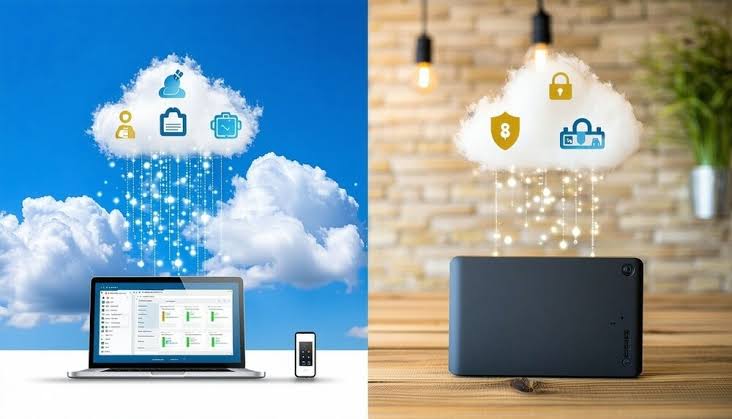
Rather than choosing one over the other, most small and mid-sized businesses are settling into what’s often called the 3-2-1 backup strategy: keep at least three copies of your data, store them on two different types of media, and keep at least one copy offsite.
In practice, this usually looks like:
- The working copy of files on a local computer or server
- A local backup on an external drive or NAS device for fast recovery
- A cloud backup as the offsite copy, protecting against physical disasters
This combination covers the weaknesses of each method. If a local device fails or gets stolen, the cloud copy is untouched. If the internet goes down or a large restore is needed quickly, the local copy is right there.
How to Decide What’s Right for Your Business
Consider your data volume. Businesses with a few gigabytes of critical files lean more heavily toward cloud storage since costs stay low. Businesses generating terabytes of data regularly, media companies, engineering firms, often need a stronger local backup component to keep costs manageable.
Think about recovery time. If your business would be seriously disrupted by even a few hours without access to files, prioritize whichever option gets you back up and running fastest, often local backup for large files, cloud for smaller, more portable data.
Factor in your team’s location. Fully remote or multi-location teams generally need cloud storage as the primary access point, with local backup playing a supporting role rather than the main one.
Account for compliance requirements. Certain industries, healthcare, finance, legal, have specific rules about where data can be stored and how it must be protected. Some cloud providers offer compliance-specific plans, but it’s worth confirming this before assuming any provider automatically meets your industry’s requirements.
Don’t forget about testing. Whichever combination you choose, a backup that’s never been tested isn’t a reliable backup. Set a schedule, monthly or quarterly, to actually restore a file or folder and confirm everything works the way it’s supposed to.
What This Looks Like in Practice
After the disaster, the accounting firm from the beginning rebuilt its approach from scratch. They now keep daily working files on a local server, back that server up to an external NAS device every night, and sync everything to a cloud backup service that runs automatically in the background. It costs them a modest monthly fee, and recovery, when they’ve tested it, takes minutes instead of weeks.
That’s the pattern showing up across most businesses that take data seriously in 2026. It’s rarely about picking cloud or local. It’s about understanding what each one protects against, and building a strategy that doesn’t leave any single point of failure.
Conclusion
Cloud storage and local backup aren’t competing options, they’re two tools that solve different problems. Cloud storage protects against physical disasters and gives remote teams flexible access. Local backup offers speed, control, and independence from internet reliability. The businesses with the strongest data protection in 2026 aren’t the ones that chose sides, they’re the ones that combined both, tested their systems regularly, and made sure no single failure, a power surge, a stolen laptop, an internet outage, could take their business down with it.
Frequently Asked Questions (FAQs)
Q1: Is cloud storage safer than local backup? Neither is automatically safer on its own. Cloud storage protects against physical disasters like fire or theft, while local backup offers faster recovery and more direct control. The safest approach usually combines both.
Q2: How much does cloud backup typically cost for a small business? Costs vary widely based on storage volume and provider, but most small businesses can expect to pay a modest monthly fee that scales with how much data they store and how often it needs to be backed up.
Q3: What is the 3-2-1 backup rule? It means keeping at least three copies of your data, stored on two different types of media, with at least one copy kept offsite, usually through a cloud backup service.
Q4: Can ransomware affect cloud-stored files too? Yes. If an infected device syncs with cloud storage before the ransomware is detected, encrypted files can overwrite clean ones in the cloud too. Version history features can help recover earlier, unaffected versions.
Q5: Do I really need local backup if I already use the cloud? It depends on your data volume and recovery needs. For businesses with large files or slower internet, local backup provides much faster recovery than downloading everything from the cloud during an emergency.
Q6: How often should a business test its backups? Monthly or quarterly testing is a reasonable standard for most small businesses. The key is actually restoring a file, not just confirming the backup ran.
Q7: What happens if I stop paying for a cloud storage subscription? Most providers give a grace period, but eventually access to your data can be restricted or lost entirely. It’s important to know your provider’s policy and never let this be your only backup method.
Q8: Is local backup cheaper than cloud storage in the long run? For very large data volumes, local storage can be more cost-effective over time since there’s no recurring subscription fee. For smaller amounts of data, cloud storage is often more affordable and convenient.
Q9: What industries need to be extra careful about where data is stored? Healthcare, finance, and legal industries often have strict compliance requirements about data location and protection. It’s worth confirming any provider meets these standards before relying on them.
Q10: What’s the biggest mistake businesses make with backups? Assuming a backup works without ever testing it, and keeping backup devices in the same physical location as the original data, which offers no real protection against disasters like fire, flood, or theft.
