


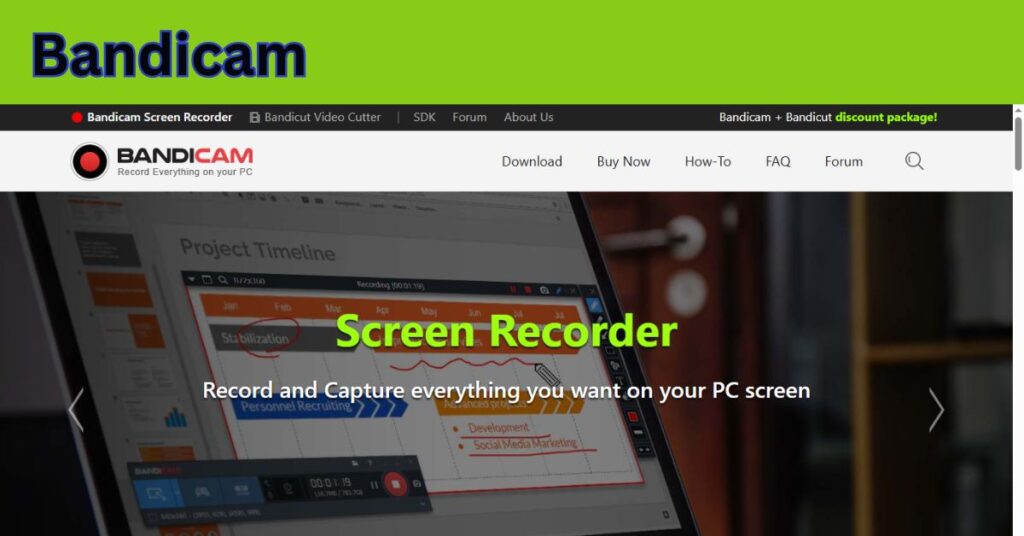
In today’s digital age, screen recording software has become an essential tool for gamers, educators, business professionals, and content creators. Whether you want to record a high-intensity gaming session, create a tutorial, or capture a live stream, having reliable screen recording software is crucial. Among the many options available, Bandicam stands out as one of the most powerful, user-friendly, and feature-rich screen recorders on the market. This article will explore everything you need to know about Bandicam — from its features and uses to its pros and cons. By the end of this comprehensive guide, you’ll have a solid understanding of what makes Bandicam a top choice for screen recording in 2025 and beyond.
What is Bandicam?
Bandicam is a lightweight screen recorder for Windows developed by Bandisoft and later maintained by Bandicam Company. It allows users to record anything on their PC screen as high-quality video. It also supports device recording using a webcam, HDMI capture devices, and external consoles such as Xbox and PlayStation. One of Bandicam’s key selling points is its ability to compress videos while maintaining high quality. This makes it especially popular among gamers and YouTubers who need long recordings without massive file sizes.
Key Features of Bandicam
1. Screen Recording Mode
This mode enables users to record any part of their screen. You can select full screen, a custom-sized window, or a specific application. It’s perfect for creating tutorials, presentations, and online courses.
2. Game Recording Mode
Designed specifically for gamers, this mode uses DirectX/OpenGL/Vulkan graphics acceleration technology. It records high-resolution gameplay (up to 4K Ultra HD) without slowing down the game performance.
3. Device Recording Mode
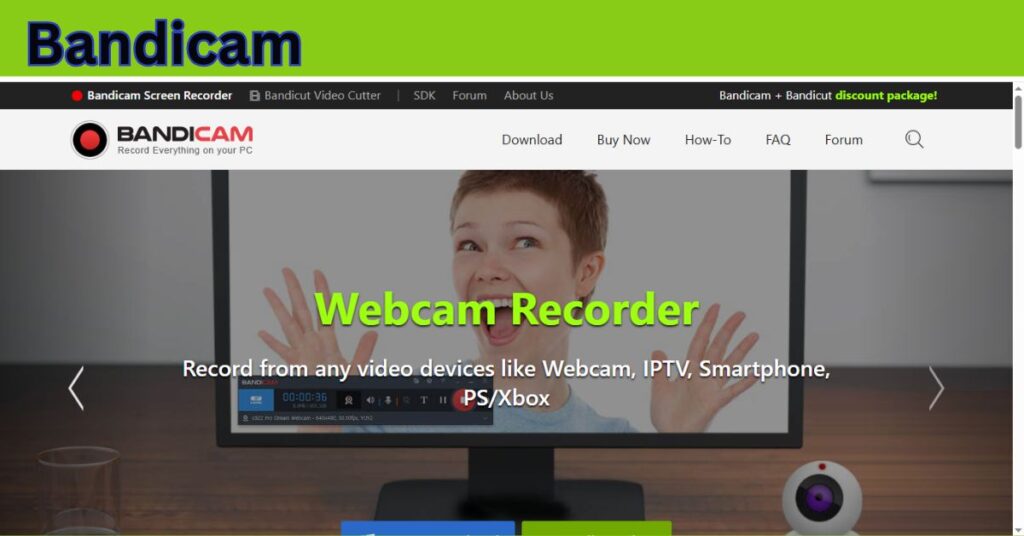
Bandicam can record external devices such as webcams, capture cards (Elgato, AverMedia), and consoles like PlayStation and Xbox. This makes it ideal for streamers and vloggers who want to include face cam or device footage.
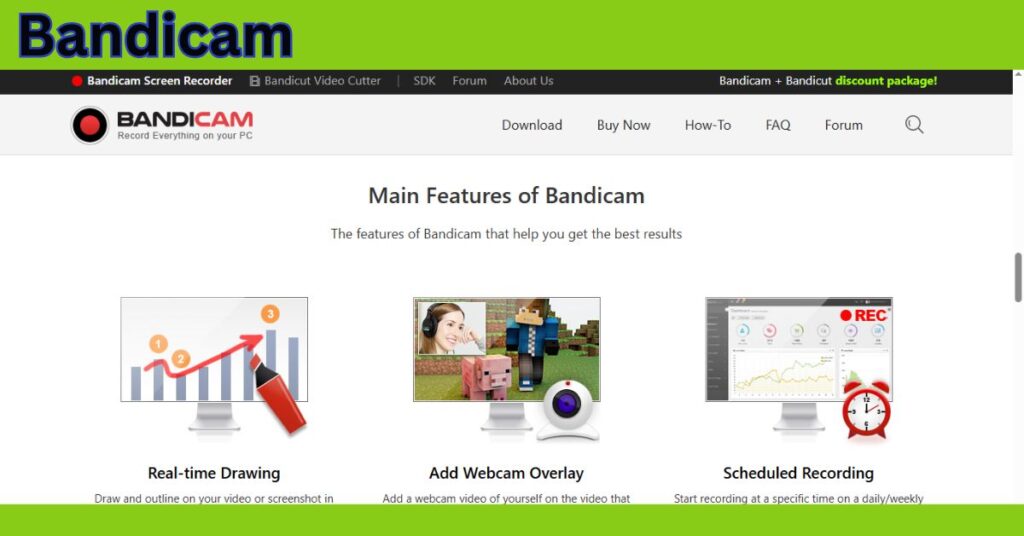
4. Real-Time Drawing
During recording, users can draw lines, shapes, or write text in real-time. This is useful for educators, reviewers, or demonstrators who need to highlight specific areas on the screen.
5. Mouse Effects and Click Animation
Bandicam allows users to add mouse click effects and animations, enhancing the clarity of tutorials and instructional videos.
6. Chroma Key for Webcam Overlay
Bandicam supports chroma key (green screen) features for webcam overlay. This is perfect for YouTubers and streamers who want to remove their background while recording.
7. Scheduled Recording
Users can set a timer to start and stop recording at specific times. This feature is useful for recording live webinars or scheduled streams.
8. Audio Recording
Bandicam supports simultaneous audio recording from both system sound and a microphone. You can adjust the audio levels and save them as separate files for post-production editing.
9. High Compression Rate
The software uses advanced video compression to minimize file size without sacrificing quality. This is especially useful for long recordings or limited storage.
10. Format Options
Bandicam offers multiple output formats including AVI and MP4, with customizable resolutions, codecs, and frame rates.
System Requirements
Before installing Bandicam, it’s important to ensure your system meets the minimum requirements:
-
Operating System: Windows 7, 8, 10, 11 (32-bit and 64-bit)
-
Processor: Dual-core CPU (Intel/AMD)
-
RAM: At least 1 GB
-
HDD: Minimum 10 GB of free space
-
Graphics Card: NVIDIA GeForce, AMD Radeon, or Intel HD graphics for better performance
For the best experience, a more powerful processor and GPU are recommended, especially for 4K or high-FPS recording.
How to Use Bandicam: Step-by-Step Guide
Step 1: Download and Install
-
Visit the official Bandicam website.
-
Download the installer.
-
Follow the installation instructions to complete the setup.
Step 2: Launch the Application
-
Open Bandicam. You’ll be greeted with a user-friendly interface with three main recording modes.
Step 3: Choose Recording Mode
-
Select from Screen Recording, Game Recording, or Device Recording based on your task.
Step 4: Adjust Settings
-
Set your preferred resolution, frame rate, output format, and audio input.
-
Enable or disable webcam overlay, mouse effects, and real-time drawing as needed.
Step 5: Start Recording
-
Click the red “REC” button or press the shortcut key (default is F12) to start recording.
Step 6: Stop and Save
-
Click “Stop” or press F12 again to finish.
-
Your video will be saved automatically in the selected output folder.
Bandicam Free vs Paid Version
Free Version
-
Watermark on recorded videos
-
Maximum 10 minutes per video
-
Basic functionality
Paid Version (One-Time Purchase)
-
No watermark
-
Unlimited recording time
-
Advanced features (chroma key, device recording)
-
Lifetime license or annual subscription
The one-time purchase option makes Bandicam cost-effective in the long term compared to many subscription-based competitors.
Bandicam for Gamers and YouTubers
Bandicam is especially popular among gaming content creators. Its Game Recording Mode ensures smooth capture without lags. You can record high-FPS gameplay with minimal performance impact.
Key gamer-friendly features include:
-
Custom FPS settings (up to 480 FPS)
-
Hardware acceleration (NVIDIA NVENC, Intel Quick Sync, AMD VCE)
-
Webcam overlay with green screen
-
Audio commentary integration
-
Easy upload to YouTube or Vimeo directly from the app
Bandicam for Educators and Professionals
Educators use Bandicam for:
-
Recording lessons and tutorials
-
Explaining complex concepts with real-time drawing
-
Capturing online classes or meetings
Business professionals use Bandicam to:
-
Record presentations and webinars
-
Demonstrate software or product walkthroughs
-
Create training videos for employees
Benefits of Using Bandicam
-
User-Friendly Interface – Easy to navigate even for beginners.
-
Lightweight – Doesn’t consume too many system resources.
-
High-Quality Recording – Up to 4K Ultra HD and high FPS support.
-
Affordable Pricing – One-time payment with lifetime access.
-
Multiple Use Cases – Gaming, education, professional, and personal.
Limitations of Bandicam
-
Windows-Only – No official support for macOS or Linux.
-
No Built-In Video Editor – Requires third-party editing software like Bandicut or Adobe Premiere.
-
Limited Streaming Features – Not as advanced as OBS for live streaming.
-
Watermark in Free Version – Can be a drawback for professional use.
Comparison: Bandicam vs Competitors
Feature |
Bandicam |
OBS Studio |
Camtasia |
Fraps |
|---|---|---|---|---|
Ease of Use |
★★★★★ |
★★★★☆ |
★★★★★ |
★★☆☆☆ |
Video Quality |
★★★★★ |
★★★★★ |
★★★★★ |
★★★★☆ |
Real-Time Drawing |
Yes |
Limited |
Yes |
No |
Chroma Key Support |
Yes |
Yes |
Yes |
No |
Built-in Editor |
No |
No |
Yes |
No |
Streaming Capable |
Basic |
Advanced |
Basic |
None |
Price |
$44 (One-time) |
Free |
$249 (One-time) |
$37 (One-time) |
Tips for Optimizing Bandicam Performance
-
Use Hardware Acceleration: Enable NVIDIA/AMD/Intel encoders for better performance.
-
Lower Bitrate for Small File Sizes: If storage is an issue, reduce the bitrate.
-
Use External Mic for Better Audio: Improves clarity and sound quality.
-
Record in Segments: Break long videos into smaller parts for easier editing.
-
Disable Unnecessary Background Apps: To maximize CPU/GPU for recording.
Bandicam Updates and Support
Bandicam is frequently updated with bug fixes, performance improvements, and new features. Users can check the “What’s New” section on the Bandicam website for the latest changes.
Support is available via:
-
Official website FAQ
-
Email support
-
Bandicam forums and community
Who Should Use Bandicam?
Bandicam is ideal for:
-
Gamers who want to capture high-FPS gameplay.
-
YouTubers who produce tutorials or commentary videos.
-
Teachers and students creating educational content.
-
Business professionals recording presentations and software demos.
-
Tech reviewers who need to record multiple input devices.
Conclusion
Bandicam remains one of the most dependable screen recording tools available for Windows users in 2025. Its blend of powerful features, affordability, and ease of use makes it a preferred choice for a wide range of users — from casual creators to serious professionals. While it has some limitations, such as lack of a built-in video editor and support only for Windows, its high-performance capabilities and constant updates make it a worthy investment for anyone who needs high-quality screen recording. If you’re looking for a lightweight, feature-packed, and budget-friendly screen recorder, Bandicam is definitely worth considering.
FAQs
Q1: Is Bandicam free?
A: Bandicam offers a free version, but it includes a watermark and a 10-minute recording limit. The paid version removes these restrictions.
Q2: Can Bandicam record audio only?
A: While it’s primarily for screen recording, Bandicam can record system and microphone audio together, which can be used for podcasts or voiceovers.
Q3: Does Bandicam support live streaming?
A: No, Bandicam is primarily a recording tool. For live streaming, use OBS Studio or Streamlabs.
Q4: Is Bandicam safe to use?
A: Yes, Bandicam is a legitimate and safe program when downloaded from its official website.
Q5: Does Bandicam slow down your computer?
A: No, Bandicam is optimized for performance and uses fewer resources compared to many alternatives, especially when using hardware acceleration.