


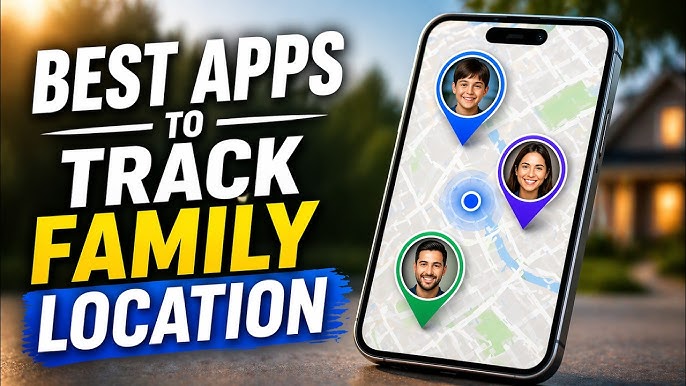
There’s a particular kind of relief that comes from glancing at your phone and seeing your teenager’s location dot sitting exactly where it should be at school, at practice, at a friend’s house they actually told you about. Family location tracking apps have become a quiet but common part of modern parenting, not out of distrust, but as a practical safety net for busy families juggling school runs, after-school activities, and the general unpredictability of raising kids in a world full of phones, cars, and new independence.
These apps have also expanded well beyond simple dot-on-a-map tracking. Many now include driving safety reports, screen time controls, SOS alerts, and even the ability to track family members without smartphones through wearable devices. The right app depends heavily on your family’s specific needs a family with young drivers has very different priorities than one mainly trying to coordinate pickup times or keep tabs on aging parents.
In this guide, we’ve rounded up the best family location tracking apps for Android and iPhone in 2026, covering what each one does well and who it’s best suited for.
What to Look for in a Family Tracking App in 2026
Before diving into the list, here’s what actually matters when comparing these apps:
- Real-time location accuracy consistent, low-lag updates rather than location that lags behind by several minutes
- Cross-platform compatibility working smoothly between Android and iPhone within the same family
- Battery efficiency location tracking that doesn’t drain a phone’s battery throughout the day
- Driving and safety reports speed alerts, crash detection, and driving behavior scoring for new drivers
- Privacy and consent features transparency for older kids and teens about when and how they’re being tracked
- Additional safety tools SOS buttons, check-in requests, and geofence alerts for arriving or leaving a location
With those priorities in mind, here are the top apps worth considering this year.
1. Life360
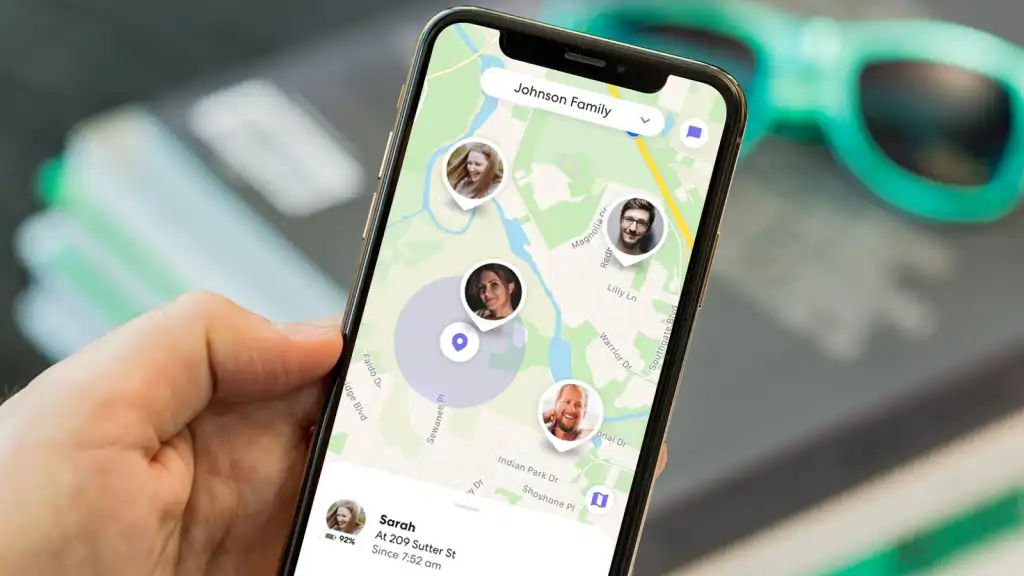
Life360 remains the most widely recognized family safety app, combining location sharing with driving reports and emergency features in a single, well-established platform.
Key features:
- Real-time location sharing with unlimited “Circles” for different family groups
- Driving reports including speed, hard braking, and phone usage while driving
- Crash detection with emergency dispatch on higher-tier plans
- Place alerts notifying when a family member arrives or leaves a set location
Best for: Families wanting an all-in-one platform combining location tracking, driving safety, and emergency response features.
2. Find My (Apple)
Apple’s built-in Find My app offers a genuinely capable, no-cost option for families where everyone uses an iPhone, without needing to install or manage a separate app.
Key features:
- Native integration with iOS, no separate app download required
- Location sharing with family members through Family Sharing
- Find My network support for locating offline devices via nearby Apple hardware
- Notifications when a family member’s device leaves or arrives at a location
Best for: All-iPhone families who want reliable location sharing without paying for or managing a third-party app.
3. Google Family Link
Family Link is Google’s answer to parental controls and location tracking, tightly integrated with Android devices and Google accounts, making it a natural fit for families using Android phones.
Key features:
- Real-time location tracking tied to a child’s Google account
- Screen time limits and app approval controls
- Activity reports showing app usage throughout the day
- Remote device locking for enforcing bedtime or study time
Best for: Families with Android devices who want location tracking bundled with screen time and app management controls.
4. Bark
Bark focuses less on pure location tracking and more on broader digital safety, monitoring texts, social media, and online activity for signs of concerning behavior, alongside basic location features.
Key features:
- AI-powered monitoring of texts, emails, and social media for red flags
- Location tracking with geofence alerts
- Screen time management tools
- Alerts for signs of cyberbullying, self-harm risk, or predatory contact
Best for: Parents primarily concerned with online safety and digital wellbeing who want location tracking as a secondary feature within a broader monitoring tool.
5. Google Maps Location Sharing
Built directly into Google Maps, this feature offers a lightweight, no-extra-app option for sharing location with family members who already use Maps regularly.
Key features:
- Share live location directly from an app most people already use daily
- Adjustable sharing duration, from a few hours to indefinitely
- Works across both Android and iPhone
- No separate account or app installation required
Best for: Families who want simple, temporary or ongoing location sharing without adding another dedicated app to everyone’s phone.
6. FamiSafe
FamiSafe combines location tracking with more extensive parental control features, positioning itself as a comprehensive tool for managing both a child’s whereabouts and their device usage.
Key features:
- Real-time GPS tracking with location history
- App blocking and screen time scheduling
- Geofencing with instant entry and exit alerts
- Driving report with speed monitoring
Best for: Parents of younger children or early teens who want detailed control over both location and device usage in one app.
7. GadgetTrak / Family GPS Tracker apps
Dedicated family GPS tracker apps in this category focus purely on location functionality without bundling in screen time or content monitoring, appealing to families who want a lighter-weight tool.
Key features:
- Simple, focused location sharing without extra parental control clutter
- Battery-efficient tracking modes
- Basic geofence alerts
- Straightforward setup for multiple family members
Best for: Families who specifically want location tracking without the added complexity of screen time or content monitoring features.
8. Verizon Smart Family (or carrier-based tracking)
Many major carriers, including Verizon, AT&T, and T-Mobile, offer built-in family tracking and control apps tied directly to the family’s phone plan, which can be a convenient option if you’re already a customer.
Key features:
- Location tracking tied directly to carrier account and phone lines
- Screen time and content filtering controls
- Works across both Android and iPhone on the same carrier
- Often bundled at low or no additional cost with family phone plans
Best for: Families already on a shared carrier plan who want tracking and controls managed through their existing phone provider.
9. Jiobit
Jiobit takes a different approach by offering a dedicated wearable tracking device rather than relying on a smartphone, making it a strong option for younger children who don’t yet have their own phone.
Key features:
- Compact, wearable GPS device designed for young children
- Long battery life compared to constant smartphone GPS tracking
- Geofence alerts and real-time location updates
- Works independently of a child having their own smartphone
Best for: Parents of young children who need location tracking but aren’t ready to give their child a smartphone.
10. AngelSense
AngelSense is a specialized GPS tracking device built specifically for families with children who have special needs, offering more robust safety features than standard consumer tracking apps.
Key features:
- Wearable GPS device with two-way voice monitoring capability
- Automatic notifications for unexpected route or schedule deviations
- Detailed location history and movement pattern reports
- Designed specifically with special needs families in mind
Best for: Families with children who have special needs and require more detailed safety monitoring than a standard tracking app provides.

How to Choose the Right Family Tracking App for You
With this many solid options, the decision usually comes down to a few practical questions:
- Is your family all iPhone, all Android, or a mix? Find My works great for all-iPhone families, Family Link suits all-Android households, while cross-platform apps like Life360 and Google Maps handle mixed device families more smoothly.
- Do you need driving safety features? Life360 and FamiSafe both offer detailed driving reports, which matter more once a teen starts driving independently.
- Do you want location tracking alone, or bundled with content monitoring? Bark and FamiSafe combine location with broader digital safety features, while Find My and Google Maps focus purely on location.
- Do you have a young child without a smartphone? Jiobit offers a dedicated wearable option that doesn’t require giving a young child their own phone.
- Are you already on a family phone plan? Carrier-based options like Verizon Smart Family can be a convenient, often low-cost choice if you’re already a customer.
Most families find it helpful to have an open conversation with older kids and teens about location sharing before rolling out any app, since transparency tends to reduce pushback and helps the tool feel like a shared safety measure rather than pure surveillance.
Frequently Asked Questions
1. Do family location tracking apps work without the tracked person’s smartphone? Most standard apps require a smartphone to function, but dedicated wearable devices like Jiobit and AngelSense are designed specifically for tracking young children or individuals who don’t carry a smartphone.
2. How much battery do these apps typically use? Battery usage varies by app and tracking frequency, but most modern family tracking apps, including Life360 and Find My, are optimized to minimize battery drain compared to older GPS tracking technology, though continuous real-time tracking will still use more battery than periodic location checks.
3. Can a teenager turn off location sharing without a parent knowing? This depends on the app and device settings. Some apps send an alert if location sharing is disabled or if the app is deleted, while native options like Find My can be more easily turned off without notification unless specific restrictions are enabled through parental controls.
4. Are family tracking apps free, or do they require a subscription? Many, including Find My, Google Family Link, and Google Maps location sharing, are free. Others, like Life360 and Bark, offer free basic tiers with premium subscriptions unlocking features like driving reports, crash detection, or extended location history.
5. Is it legal to track a family member’s location? In most places, it’s legal to track your minor children, but tracking another adult, including a spouse or partner, typically requires their knowledge and consent. Laws vary by location, so it’s worth understanding local regulations, particularly regarding tracking adult family members.
6. Can these apps track location indoors, like inside a large building or mall? GPS accuracy tends to decrease indoors, especially in large buildings, since GPS signals rely on a clear line of sight to satellites. Most apps will still show a general area, but precise indoor location isn’t reliable with standard consumer GPS tracking.
7. What happens if there’s no cell service or Wi-Fi where the tracked person is located? Most apps will show the last known location before the device lost connectivity, and location updates typically resume automatically once the device reconnects to cellular data or Wi-Fi.

Final Thoughts
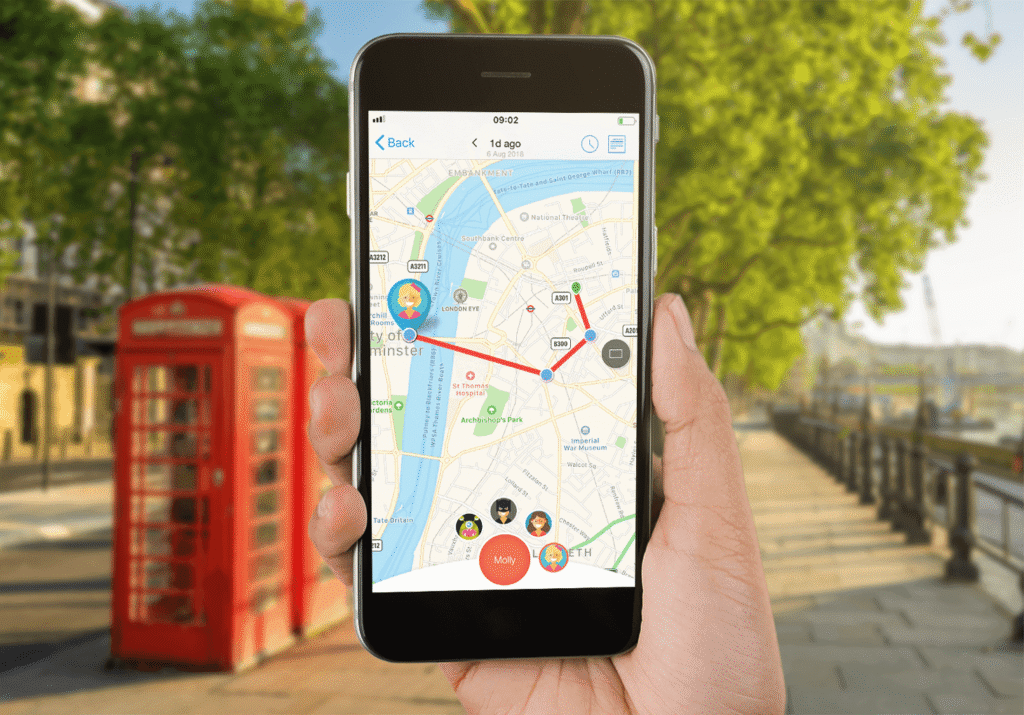
Family location tracking apps have become a practical, widely accepted tool for modern families managing everything from school pickups to a teenager’s first year of driving. All-in-one platforms like Life360 offer the broadest feature set, while built-in options like Find My and Google Family Link work well for families who prefer to stay within their existing device ecosystem without adding another app.
Whichever option you choose, involving older kids in the conversation about how and why location sharing works tends to make the tool feel like a mutual safety agreement rather than something being done to them, which usually leads to a smoother, longer-lasting setup for the whole family.