


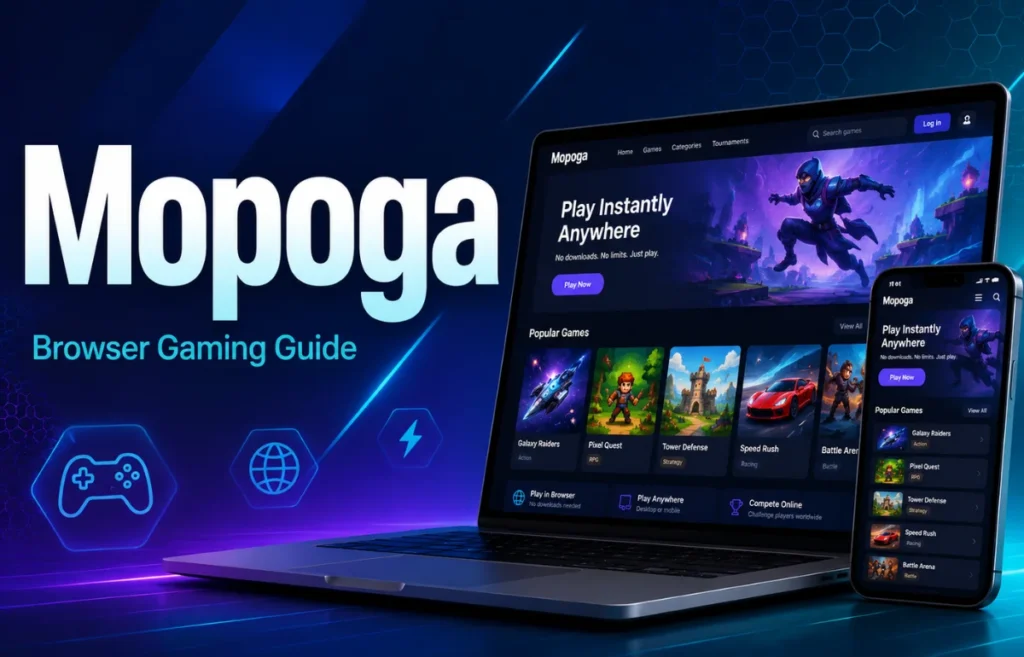
Mobile gaming has changed a lot over the past few years. You don’t always need to download a heavy app or wait for an installation to finish anymore. One platform that has become really popular for this kind of instant, no-download gaming is Mopoga. If you’ve heard the name and are wondering what it actually is, how it works, and whether it’s safe to use, this guide will walk you through everything in simple, easy words.
What Is Mopoga?
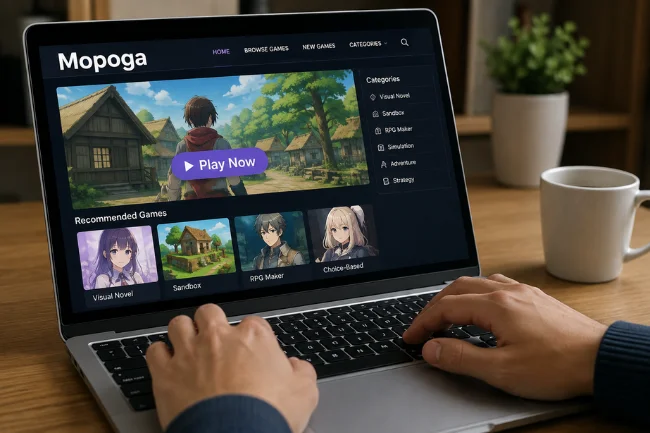
Mopoga is a free, browser-based gaming platform that lets you play thousands of mobile and casual games directly in your web browser, without downloading anything from an app store. Think of it like streaming a movie online instead of buying a DVD you just click and it plays. Mopoga works the same way with games.
People often compare it to a “Netflix for free mobile games,” because just like Netflix lets you stream a movie instantly, Mopoga lets you stream a game instantly. The games are hosted on Mopoga’s own servers, and when you tap on one, it loads straight into your browser instead of installing on your phone.
This makes Mopoga especially useful for people who have older phones with limited storage, or who simply want a quick five-minute break without committing to a large app download.
How Does Mopoga Work?
Using Mopoga is very simple. Here’s the basic process:
- Open your browser – Chrome, Safari, or any modern browser works, on both phone and desktop.
- Go to the website – Visit the Mopoga site.
- Pick a game – Browse through categories like puzzle, action, racing, or strategy and choose whatever interests you.
- Click and play – The game loads almost instantly because it’s built on lightweight HTML5 technology, which runs smoothly in any browser.
There’s no long installation process, and in most cases, no sign-up is required either. All you need is an internet connection and you’re ready to go.
Key Features of Mopoga
Let’s look at what makes Mopoga stand out from other gaming platforms.
1. Instant Gaming, No Downloads
The biggest feature is that you don’t have to install anything. What normally takes 5-10 minutes on an app store (searching, downloading, waiting for installation, updates) takes just one click on Mopoga.
2. Works on Every Device
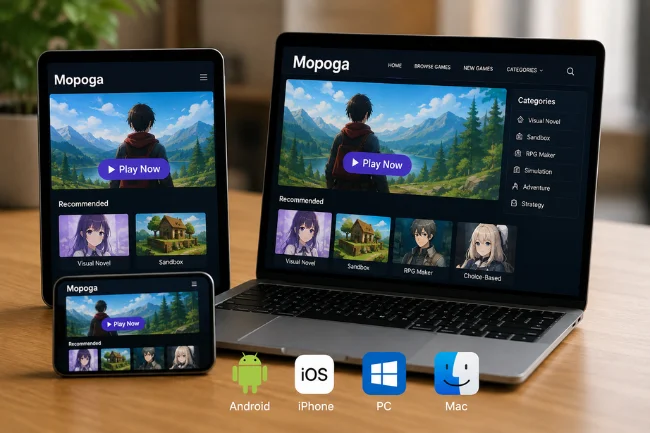
Whether you’re using an Android phone, an iPhone, a laptop, or even a Chromebook, Mopoga works across all of them. You don’t need a specific operating system just a working browser and internet connection.
3. A Huge Game Library
Mopoga hosts hundreds, even thousands, of games across many genres puzzle games, action-adventure, racing, strategy, hyper-casual titles, and multiplayer games too. There’s something for almost every type of player, whether you’re a casual gamer or someone looking for a more involved challenge.
4. No Sign-Up Required
Many platforms force you to create an account before you can play. Mopoga lets you jump straight into a game without any registration. If you want to save your progress, you can create an account, but it’s completely optional.
5. New Games Added Regularly
The platform isn’t static — new games are added frequently, so there’s always something fresh to discover.
6. Built-In Guides and Tips
Many games on Mopoga come with walkthroughs and tips bundled right alongside them. So if you get stuck on a tricky level, you don’t have to search Google separately.
7. Saves Storage Space
Since nothing is downloaded, your phone’s storage stays untouched. This is perfect for people who already have limited space on their devices.
What Kind of Games Can You Find on Mopoga?
The variety on Mopoga is quite wide. Some of the popular categories include:
- Puzzle Games – Relaxing, brain-teasing games perfect for short breaks.
- Action & Adventure – Fast-paced games for players who want excitement.
- Racing Games – Great for fans of car and bike racing.
- Strategy Games – Base-building and planning-based games that require some thinking.
- Hyper-Casual Games – Simple, short games you can finish in just a few minutes.
- Multiplayer Games – Some games let you invite friends and play together.
This variety is exactly what makes Mopoga appealing to different age groups and different types of players.
Benefits of Using Mopoga
Here’s a quick look at why people like using Mopoga:
- Saves Time – No waiting around for downloads or installations.
- Saves Storage – Your phone’s memory doesn’t fill up.
- Free to Use – Most games are completely free, with no hidden charges.
- Available Anywhere – Whether you’re at school, at work, or just relaxing, you can open a browser and start playing.
- Beginner-Friendly – The interface is simple enough for anyone to use, even without much tech experience.
- Easy Discovery – Games that might get lost in a crowded app store are much easier to find here.

Is Mopoga Safe? A Safety Guide
This is probably the most important question, and it’s worth understanding properly. Since Mopoga is browser-based and hosts games from various sources, a few precautions are worth keeping in mind.
1. Only Use the Official Website
There can be fake or copycat websites online using the Mopoga name. Always double-check that you’re on the correct, official link so you don’t end up on a scam or malicious site.
2. Avoid Sharing Personal Information
If a game or a pop-up asks for personal information like credit card details or passwords, while the platform is supposed to be free, treat that as a red flag. Be cautious with anything that feels out of place.
3. Be Careful With Pop-Up Ads
Like most free gaming websites, you might come across ads or pop-ups. Avoid clicking on anything suspicious, especially prompts asking you to download an unrelated app or file.
4. Supervise Kids While They Play
If children are using Mopoga, parents should keep an eye on what games they’re playing. Since the platform has a wide variety of content, not everything may be age-appropriate. Using browser parental controls can help filter content more effectively.
5. Use Your Browser’s Built-In Security
Modern browsers already have protections built in against malicious sites. Make sure these settings stay enabled while browsing.
6. Keep a Stable Internet Connection
This is more about experience than safety, but a good internet connection is needed for smooth game loading, otherwise games may lag or freeze midway.
Following these simple precautions keeps Mopoga fairly safe to use, just like with any other online platform.
Mopoga vs App Store vs Cloud Gaming
Here’s a quick comparison to make things easier to understand:
Feature |
App Store Games |
Cloud Gaming |
Mopoga |
|---|---|---|---|
Download Needed? |
Yes |
No |
No |
Cost |
Free/Paid |
Subscription |
Mostly Free |
Storage Used |
High |
Low |
None |
Internet Requirement |
Only for download |
Always (High) |
Only while loading (Moderate) |
Best For |
Serious gamers |
High-end gaming |
Casual, quick gaming |
This table makes it clear that Mopoga is best suited for people who want light, casual, and instant gaming without any long-term commitment.
Tips to Get the Most Out of Mopoga
- Bookmark the website on your phone’s home screen so it feels just like using a regular app.
- Keep exploring new titles since fresh games are added often.
- If you find a game you enjoy, create an account so your progress is saved.
- If a level feels too difficult, check out the built-in guides or tips available on the platform.
- Try multiplayer games with friends for a more fun, social experience.
Final Thoughts
Mopoga is a solid option for anyone who wants to play mobile games for free, instantly, and without any hassle. Its simplicity, huge game library, and download-free approach make it a convenient choice, whether you’re looking for a quick break or a longer gaming session. Just remember to always use the official website, stay cautious of suspicious links, and keep a bit of supervision going if kids are using it too.
FAQs (Frequently Asked Questions)
1. Is Mopoga completely free? Yes, most games on Mopoga are free to play. You get access to thousands of games without spending any money.
2. Do I need to create an account to use Mopoga? No, creating an account isn’t required. You can start playing games right away without signing up. An account is only useful if you want to save your progress.
3. Does Mopoga work on both iPhone and Android? Yes, Mopoga works on any device — Android, iPhone, laptop, or Chromebook — as long as you have a modern browser and an internet connection.
4. Do I need to download any app? Not at all. The biggest feature of Mopoga is that no app or software download is needed. Everything runs directly in your browser.
5. Is Mopoga safe for kids? Most games are casual and family-friendly, but since the platform has a wide variety of content, parents should keep a light check on what games their kids are playing.
6. What happens if my internet is slow? Games might take longer to load or could lag a bit. A stable internet connection is recommended for the smoothest experience.
7. Does Mopoga keep adding new games? Yes, new games are added regularly, so there’s always something new to try.
8. Is the Mopoga website safe to use? Yes, as long as you stick to the official Mopoga website and avoid clicking on suspicious pop-ups or links, it’s generally safe to use.