



In today’s fast-paced digital age, tablets have transformed from luxury gadgets into essential tools for writers, students, professionals, and creatives. They offer the perfect blend of portability, performance, and functionality. With advances in stylus technology, cloud synchronization, and writing apps, tablets now rival traditional laptops for many writing tasks. Whether you’re a novelist looking for a distraction-free environment, a student taking notes in class, or a journalist filing reports on the go, writing on tablets can enhance your productivity. In this comprehensive guide by TabletWritings.com, we’ll dive into everything you need to know about writing on tablets: from choosing the right device to selecting the best apps and accessories, to tips for optimizing your writing experience.
Why Write on a Tablet?
Portability and Convenience
Tablets are lighter and easier to carry than most laptops. Their compact form factor makes them ideal for writers who are always on the move. You can jot down notes, write chapters, or edit articles wherever inspiration strikes.
Touchscreen Functionality
Unlike traditional laptops, tablets feature touchscreens, allowing you to use your fingers or a stylus to interact directly with your work. This opens up new dimensions in creative writing, especially for those who like to annotate, highlight, or diagram ideas.
Versatility
Tablets double as e-readers, research tools, and sketchpads. This versatility is especially helpful for writers who also storyboard, draw, or refer to visual content in their creative processes.
Choosing the Right Tablet for Writing
Not all tablets are created equal. Depending on your writing style and needs, you might prefer one tablet over another. Here are some top contenders:
iPad Series (Apple)
-
iPad Pro: Great for professional writers and creatives. Comes with Apple Pencil compatibility, large display sizes (11” and 12.9”), and powerful performance.
-
iPad Air: A more affordable option that still supports the Apple Pencil (2nd generation) and has a sleek design.
-
iPad (Base Model): Budget-friendly and still efficient for basic writing and note-taking.
Samsung Galaxy Tab Series (Android)
-
Galaxy Tab S9/S9+: High-performance Android tablets with S Pen support, great AMOLED displays, and Samsung DeX for a desktop-like experience.
-
Galaxy Tab A Series: Mid-range to budget tablets ideal for students or casual writing.
Microsoft Surface Tablets (Windows)
-
Surface Pro 9: Offers a full Windows experience, excellent for writers who need desktop-grade apps like Microsoft Word or Scrivener.
-
Surface Go 4: Lightweight, affordable, and still supports a keyboard and stylus.
Others Worth Mentioning
-
Lenovo Tab P12 Pro: Android-based with stylus support and a high-resolution screen.
-
Remarkable 2: Not a traditional tablet, but excellent for distraction-free writing and note-taking with a paper-like screen.
Writing Apps That Enhance Productivity
Choosing the right app can significantly impact your writing experience on a tablet. Here are some of the best:
Note-Taking and Drafting
-
Evernote: Syncs across devices, supports multimedia notes, and is great for capturing ideas quickly.
-
Microsoft OneNote: A robust, free app that mimics a physical notebook and integrates well with the Office ecosystem.
-
Notability (iPad): Popular for handwritten and typed notes with audio recording features.
Focused Writing
-
iA Writer: Minimalist interface designed for distraction-free writing. Great for blogging, articles, and books.
-
Ulysses (iOS only): Feature-rich writing environment perfect for long-form content with Markdown support.
-
JotterPad (Android): Clean interface with powerful editing features tailored for screenwriters and authors.
Professional Writing and Editing
-
Scrivener: The gold standard for novelists and researchers. Offers robust outlining and organizational features.
-
Google Docs: Free, cloud-based, collaborative, and works seamlessly across all devices.
-
Microsoft Word: Industry-standard word processor, now optimized for tablets with stylus input.
Essential Accessories for Tablet Writers
To make the most out of writing on a tablet, investing in a few accessories can elevate your workflow:
Stylus
-
Apple Pencil (Gen 2): Perfect for iPads. Offers pressure sensitivity and low latency.
-
Samsung S Pen: Included with most high-end Galaxy tablets, supports handwriting-to-text conversion.
-
Surface Pen: Pairs with Microsoft Surface tablets for seamless note-taking and annotation.
Keyboard
-
Magic Keyboard (Apple): Turns your iPad into a laptop alternative with trackpad support.
-
Logitech K780: A Bluetooth multi-device keyboard compatible with tablets, phones, and PCs.
-
Surface Type Cover: Lightweight keyboard for Surface Pro users.
Screen Protector
-
Paperlike (for iPads): Mimics the feel of paper, making handwriting more natural and comfortable.
-
Matte Screen Protectors: Reduce glare and provide a textured writing surface.
Stands and Holders
-
Adjustable Tablet Stand: Helps maintain proper ergonomics while writing for long hours.
-
Keyboard Case Combos: Combine protection, typing, and viewing convenience.
Handwriting vs Typing on Tablets
One of the unique benefits of writing on a tablet is the option to switch between typing and handwriting. Here’s a comparison:
Handwriting (with Stylus)
-
Pros:
-
Ideal for brainstorming, sketching, and quick notes.
-
Better for memory retention (especially for students).
-
Allows for visual thinking and mind mapping.
-
-
Cons:
-
Slower for long documents.
-
May require handwriting recognition tools for converting to text.
-
Typing (with Keyboard)
-
Pros:
-
Faster and more efficient for long-form writing.
-
Easier formatting and editing.
-
Compatible with all major writing apps.
-
-
Cons:
-
Less flexible in certain creative processes.
-
Requires additional accessories like keyboards.
-
Cloud Sync and Backup for Writers
Writing on a tablet becomes even more powerful when paired with cloud storage. Losing work due to device failure is a nightmare, so regular syncing is essential.
Popular Cloud Services
-
Google Drive: Integrates with Docs, Sheets, and other apps.
-
iCloud: Ideal for Apple users, syncs across all iOS/macOS devices.
-
Dropbox: Reliable, flexible, and works across all platforms.
-
OneDrive: Excellent for Windows users; integrates with Microsoft Office.
Tips for Cloud Use
-
Enable auto-save in your writing apps.
-
Back up regularly, especially before making big edits.
-
Use offline modes when writing in areas with poor internet.
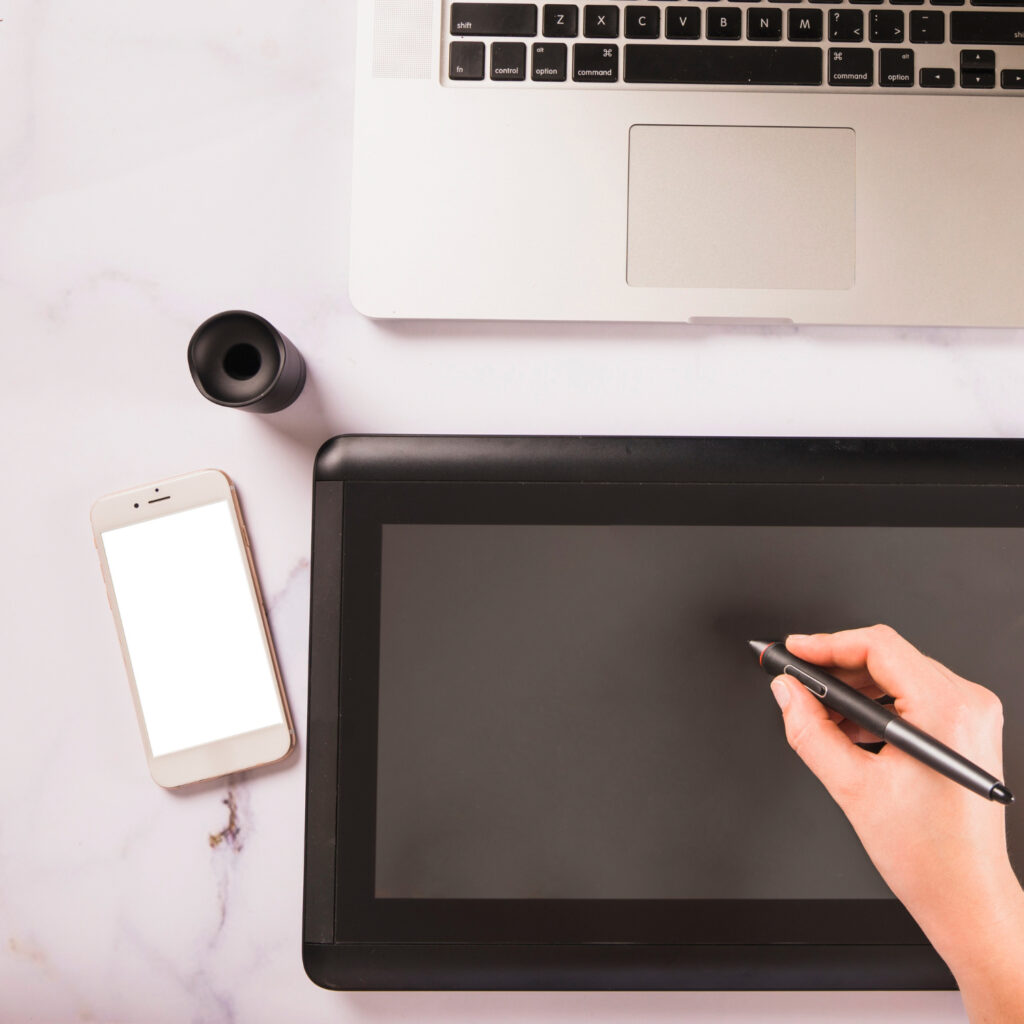

Tips to Improve Writing on Tablets
1. Customize Your Setup
Adjust brightness, font size, and layout to avoid eye strain and improve comfort. Use night mode or warm-tone filters for extended sessions.
2. Use Distraction Blockers
Apps like Forest, Focus@Will, or Cold Turkey can help block out distractions and keep you focused on writing.
3. Plan with Templates
Use templates for blogging, journaling, novels, or essays. Many writing apps have built-in templates or downloadable formats.
4. Try Dictation Tools
Modern tablets have excellent speech-to-text capabilities. If you’re tired of typing, dictation can help speed up the first draft.
5. Protect Your Work
Use app-level passwords, encrypted cloud storage, and regular backups to keep your writing secure.
Use Cases: Who Benefits Most from Writing on Tablets?
Students
-
Take notes, annotate PDFs, and organize classes in one digital notebook.
-
Apps like GoodNotes, Notability, and OneNote shine in academic settings.
Novelists and Authors
-
Portable writing studios with tools like Scrivener or Ulysses.
-
Easy to switch between outlining, drafting, and revising.
Journalists and Bloggers
-
Write, research, and publish on the go.
-
Use Bluetooth keyboards and cloud tools to work from anywhere.
Business Professionals
-
Create reports, memos, and presentations directly on the tablet.
-
Seamless integration with Microsoft Office and email clients.
Creative Writers and Poets
-
Use stylus input for handwritten poetry or sketch-inspired prose.
-
Great for brainstorming sessions and idea boards.
Common Mistakes to Avoid
-
Ignoring ergonomics: Long writing sessions on a tablet without proper setup can lead to discomfort or injury.
-
Relying solely on one backup method: Always have both local and cloud backups.
-
Using underpowered devices for heavy tasks: Make sure your tablet has the performance needed for multitasking and large file handling.
-
Not utilizing the stylus: Even if you prefer typing, a stylus can help annotate, brainstorm, or edit drafts.
Future of Writing on Tablets
As technology evolves, the gap between tablets and laptops continues to shrink. With features like AI-assisted writing, seamless cloud collaboration, and tactile feedback screens, tablets are becoming even more intuitive writing platforms.
Expect to see:
-
Improved handwriting recognition
-
More robust writing apps
-
AI-based suggestion and grammar tools
-
Lightweight foldable tablets for ultra portability
Conclusion
Writing on tablets is no longer a compromise—it’s a powerful, flexible, and enjoyable experience. With the right tools, apps, and techniques, anyone can use a tablet as their primary writing device. Whether you’re a student, professional, author, or hobbyist, the tablet writing ecosystem has something for everyone.
TabletWritings.com will continue to be your go-to source for tips, tutorials, reviews, and recommendations on how to write better, on any tablet, any time.
Stay tuned for more articles and join our community of digital scribes today.
Frequently Asked Questions (FAQ)
Can a tablet really replace a laptop for writing?
Yes, for many writers, a tablet can fully replace a laptop, especially when paired with a good keyboard and writing app. Tablets offer portability, cloud syncing, and support for stylus input, making them ideal for note-taking, drafting, and editing on the go.
What is the best tablet for writers?
It depends on your needs:
-
Best overall: iPad Pro (with Magic Keyboard & Apple Pencil)
-
Best Android: Samsung Galaxy Tab S9+
-
Best Windows: Microsoft Surface Pro 9
-
Best budget: iPad (base model) or Galaxy Tab A
What apps do professional writers use on tablets?
Popular writing apps include:
-
Scrivener (long-form writing)
-
iA Writer and Ulysses (minimalist writing)
-
Google Docs and Microsoft Word (professional documents)
-
Notability and OneNote (note-taking)
Is handwriting on tablets accurate?
Yes. Modern styluses like the Apple Pencil, Samsung S Pen, and Surface Pen offer precise, pressure-sensitive input. Apps can even convert handwriting into typed text using OCR (optical character recognition).
What’s the difference between a tablet and an e-writer like reMarkable?
ReMarkable is designed for a paper-like writing experience with fewer distractions. Tablets like iPads or Surface devices offer more power, flexibility, and access to full-featured apps. Choose reMarkable if you want a minimalistic, distraction-free environment.
Can I use a tablet without an external keyboard?
Yes, but for longer writing sessions, a physical keyboard is more comfortable and efficient than on-screen typing. Most tablets support Bluetooth or proprietary keyboard attachments.
Which cloud service is best for writers?
All major cloud services are reliable:
-
Google Drive: Great for collaboration and free apps.
-
iCloud: Best for Apple users.
-
Dropbox: Ideal for file organization.
-
OneDrive: Seamless for Microsoft Office users.
Can I use speech-to-text on a tablet?
Absolutely. iPads, Android tablets, and Surface devices all support voice typing. Apps like Google Docs and built-in dictation tools allow hands-free writing, useful for brainstorming or fast drafting.
Are there offline writing apps for when I don’t have internet?
Yes. Apps like Scrivener, iA Writer, JotterPad, and even Google Docs (with offline mode enabled) let you write without needing an internet connection. Sync happens when you reconnect.
How do I protect my writing on a tablet?
-
Enable auto-save and cloud backup.
-
Use strong passwords or biometric security.
-
Back up regularly to avoid data loss.
-
Consider apps with version history or export features.