
Video has become the default format for almost everything online product demos, social clips, tutorials, marketing content, even internal team updates. But traditional video editing software has a reputation for being intimidating: complex timelines, steep learning curves, and expensive desktop programs that take real time to master. This is exactly the gap VEED.io has built itself around, and in 2026, it’s become one of the most widely used browser-based video editing platforms, reportedly serving over 10 million monthly active users.
This article walks through what VEED.io actually is, how its AI-powered editing and subtitling features work, and how to use it effectively for real content without assuming any prior video editing experience.
What VEED.io Actually Is
VEED.io is an online, browser-based video editing platform built to let anyone regardless of technical skill create, edit, and share professional-looking videos without installing any software. It’s designed with a drag-and-drop interface that keeps the learning curve low, making it approachable for casual creators, educators, marketers, and small business teams alike.
What sets VEED.io apart from a purely manual editor is how deeply AI is woven into the actual editing process. Rather than treating AI as a bonus feature bolted onto a traditional editor, VEED.io’s toolkit is built around AI handling much of the repetitive, time-consuming work subtitle generation, background noise removal, filler-word cutting — while leaving creative and editorial decisions to the person using it.
Getting Started: The Basic Workflow
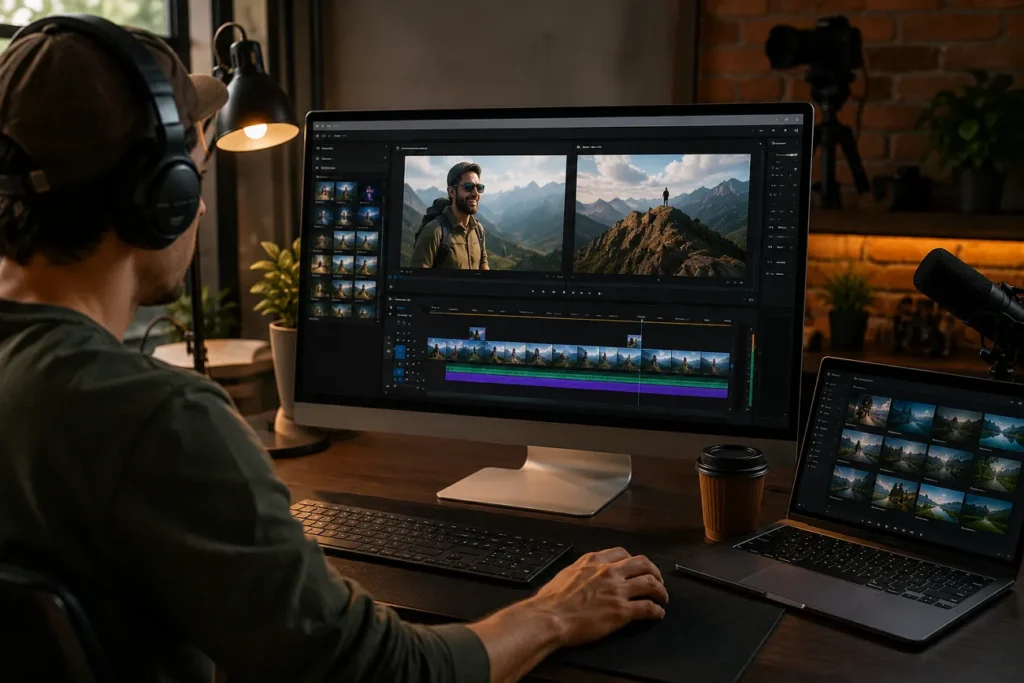
Using VEED.io generally follows a simple, repeatable pattern that doesn’t require any prior editing background. You upload a video (or record directly within the platform using its built-in screen and webcam recording tools), then work through the editing panel to trim footage, add subtitles, insert text or image overlays, adjust audio, and apply any AI-powered enhancements you want. Once you’re happy with the result, you export the finished video, or save it to your VEED library for later use.
Because everything happens directly in a web browser, there’s no software to install and no waiting on system requirements you can start editing from essentially any device with an internet connection, which is a big part of why the platform has become popular with teams that don’t have dedicated video editors on staff.
The AI Subtitle Feature: How It Actually Works
Subtitling is arguably VEED.io’s most widely used feature, and it’s a genuinely useful one automatic captions aren’t just a convenience anymore, they’re increasingly essential for accessibility and for social media, where a large share of viewers watch videos with the sound off.
The process is fairly straightforward. Once you upload your video, VEED.io’s AI automatically transcribes the spoken audio and generates subtitles synced to the speech. Reported accuracy rates for clear audio are quite high independent testing has recorded results in the 95 to 98 percent range under good recording conditions, though accuracy can drop somewhat with heavy background noise, strong accents, or very long videos.
After the AI generates subtitles, you’re not stuck with whatever it produces. The built-in text editor lets you review and correct any mistakes directly, and the platform highlights lower-confidence words to make it easier to spot potential errors rather than having to re-watch and re-check every single line. You can also drag subtitle blocks on the timeline to fine-tune timing if something feels slightly off-sync.
A notable 2026 addition is multi-speaker detection, which improves subtitle accuracy specifically for interviews, podcasts, and group discussions by identifying when the speaker changes and labeling them accordingly — either as generic “Speaker 1,” “Speaker 2” labels or custom names you assign. For anyone working with technical or industry-specific content, VEED.io also allows uploading a custom glossary, which can meaningfully boost transcription accuracy for specialized terminology that a general AI model might otherwise misinterpret.
Customizing Subtitle Style and Appearance
Beyond just generating accurate text, VEED.io gives you real control over how subtitles actually look. You can adjust font, size, color, and positioning to match your brand or personal style, and the platform includes a range of animated text presets fade-ins, typewriter effects, and similar styles along with the option to add background boxes behind text, which helps keep captions readable over busy or high-contrast visuals.
For social media specifically, an “Optimize for Platform” feature can automatically resize your video and reposition subtitles to stay within each platform’s safe zones, which matters more than it might seem — text that looks fine on a standard video frame can easily get cut off or covered by app interface elements once it’s reformatted for a vertical, mobile-first feed.
Translation: Reaching a Global Audience
One of VEED.io’s standout capabilities is automatic subtitle translation, supporting well over 50 languages (with reports of over 100 languages supported in some contexts). This means a single uploaded video can be translated into multiple language versions without needing to hire native-language translators for each target market — a genuinely significant time and cost saver for anyone trying to reach an international audience.
Beyond straightforward subtitle translation, VEED.io also offers AI dubbing and voice cloning features, which go a step further by generating translated audio to match the original speaker’s voice characteristics, rather than just displaying translated text on screen. This is a more advanced capability aimed at creators and businesses seriously investing in multilingual content distribution.
Beyond Subtitles: The Broader AI Editing Toolkit
While subtitling gets a lot of attention, VEED.io’s AI capabilities extend well beyond captions. Magic Cut is one of the platform’s most time-saving tools, designed to automatically detect and remove filler words and awkward pauses from spoken footage the kind of manual, tedious editing work that used to require scrubbing through a timeline word by word.
Background noise removal and general audio enhancement are one-click tools that clean up unwanted ambient sound, making a voice sound clearer without needing separate audio editing software. Eye contact correction is a more specialized feature that subtly adjusts a speaker’s gaze in webcam or interview-style footage, which can make presentation-style videos feel more natural and engaging.
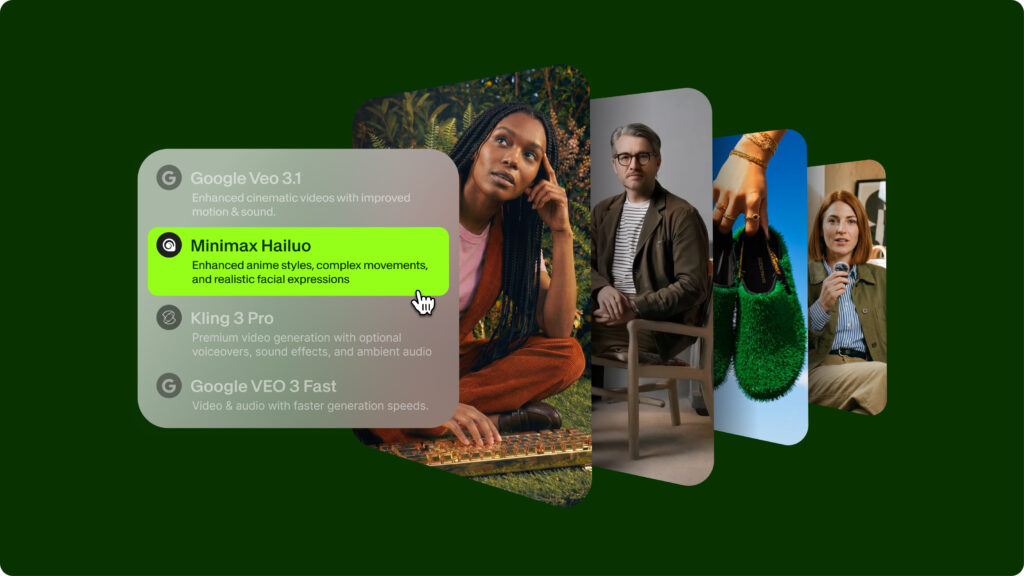
For creators without existing footage to work from, VEED.io’s idea-to-video and text-to-video tools let you type a script or a short prompt and generate a rough video cut using stock footage, an AI voiceover, and auto-generated subtitles. It’s a genuinely useful starting point for quick explainers or product demos, though independent reviews note it’s not yet on par with more specialized, dedicated text-to-video generation tools when it comes to visual realism.
Team and Collaboration Features
For businesses and marketing teams, VEED.io includes real-time collaboration tools, such as time-stamped commenting, which lets team members leave feedback directly tied to a specific moment in a video rather than describing timestamps manually. Combined with shared workspaces and Brand Kits which help maintain consistent fonts, colors, and logos across a team’s video output this makes the platform genuinely useful for organizations producing a steady volume of content without needing everyone to individually master professional editing software.
Free Plan vs. Paid Plans: What Actually Changes
VEED.io offers a free plan that includes browser-based editing and basic auto-subtitle generation, but it comes with real limitations worth understanding upfront. Free exports are capped at a lower resolution (commonly 720p), include a visible VEED watermark, and auto-subtitle generation is limited to a set amount of usage per month. Cloud storage is also more limited on the free tier compared to paid plans.
Paid plans — generally offered in tiers like Creator, Pro, Studio, and Enterprise remove the watermark, unlock higher-resolution exports (up to 4K on higher tiers), increase or remove subtitle generation limits, and unlock more advanced AI tools like voice cloning and AI dubbing. Entry-level paid plans have been reported starting in the range of roughly $12 to $20 per month, with pricing scaling up depending on team size and feature needs. For anyone planning to use the platform regularly rather than for a single one-off video the free plan is best understood as a trial rather than something meant for sustained use, since export limits and watermarking add real friction for regular content production.
Where VEED.io Genuinely Shines (And Where It Has Limits)
Independent reviews consistently point to a few clear strengths: it’s exceptionally easy to use with essentially no learning curve, its subtitle accuracy on clear audio is genuinely strong, and the combination of browser-based access with real-time team collaboration makes it especially well-suited to marketing teams and educators producing a steady stream of shorter-form content.
That said, it’s not without limitations. Performance depends heavily on your internet connection and the plan you’re using, since videos are processed on shared servers, which can lead to longer processing times during peak usage, particularly for higher-resolution exports on free or lower-tier plans. Longer videos also see a modest dip in subtitle accuracy compared to shorter clips, and while text-to-video generation is a genuinely useful feature, it currently trails behind specialized AI video generation tools in terms of visual realism.
A Practical Approach to Getting the Best Results
Regardless of which features you use, a consistent piece of advice from experienced users applies broadly: let VEED.io’s AI tools handle the repetitive production work transcription, noise cleanup, filler-word removal but always apply human judgment afterward. Review AI-generated subtitles for accuracy rather than assuming they’re perfect, especially for specialized terminology or unclear audio. Double-check translated content for tone and nuance rather than trusting machine translation blindly for anything customer-facing. And take the time to adjust pacing, visuals, and messaging yourself, since AI can speed up production, but it can’t fully replace editorial judgment about what actually makes a video effective for your specific audience.
The Bottom Line
VEED.io has positioned itself as one of the most accessible entry points into AI-assisted video editing in 2026, combining a genuinely easy-to-use browser-based interface with real, practical AI features accurate auto-subtitles, wide-ranging translation support, noise removal, and filler-word cutting ` that collectively save real editing time. It’s particularly well-suited to social media creators, marketing teams, and educators who need polished, accessible video content quickly, without investing in specialized editing software or a dedicated production team. The free plan is a reasonable way to test the platform, but anyone planning to use it regularly will likely find a paid tier necessary to get past its more restrictive free-plan limits.
FAQs
Q1: Is VEED.io free to use? VEED.io offers a free plan with basic editing and subtitle generation, but exports are limited to lower resolution, include a watermark, and auto-subtitle usage is capped on a monthly basis. Paid plans remove these restrictions and unlock more advanced AI tools like voice cloning and higher-resolution exports.
Q2: How accurate are VEED.io’s AI-generated subtitles? Independent testing has recorded accuracy in the 95 to 98 percent range for clear audio. Accuracy can drop somewhat with background noise, strong accents, or longer videos, but the built-in editor makes it straightforward to review and correct any mistakes before finalizing your video.
Q3: Can VEED.io translate subtitles into other languages? Yes. VEED.io supports automatic subtitle translation into 50 or more languages, making it possible to reach a global audience without hiring separate translators for each market. More advanced plans also offer AI dubbing and voice cloning for translated audio, not just translated text.
Q4: Do I need video editing experience to use VEED.io? No. The platform is specifically designed for users with no prior editing background, using a drag-and-drop interface and AI-powered tools that handle much of the repetitive editing work, like subtitle generation and filler-word removal, automatically.
Q5: Is VEED.io a good choice for marketing teams, or is it mainly for individual creators? It works well for both. Individual creators benefit from its ease of use and AI subtitle and editing tools, while marketing teams gain additional value from features like real-time collaboration, time-stamped commenting, and Brand Kits that help maintain consistent branding across a team’s video output.
