

If you bought one of the cool new Samsung Galaxy Tab S9 models, you’ll want to get the most out of it. The newest Android tablets have a 120Hz Dynamic AMOLED screen, a Snapdragon 8 Gen 2 for the Galaxy chipset, speakers that are 20% bigger than the Tab S8 line, and the S Pen. The Samsung Galaxy Tab S9 has great tech, but what are the best apps for it so that you can get the most out of it? Here are five apps that you should get right away.
There are definitely a lot of great apps that would work great on the new Samsung tablets. This tablet is great for streaming and gaming because it has a great screen and a powerful processor, but those choices would make our list too long to keep going. You can just take Netflix and YouTube for granted. If you want to play games on your computer, our list of the best Android games can help you. We’re going to talk about some other apps that you might not have thought of right away.
Best Apps for Galaxy Tab S9
There are already a lot of apps like Spotify, Netflix, Disney+, etc. on tablets, so we won’t cover them here. Our list will include a range of apps that can be used for work and for fun.
1. Adobe apps
This is the clear choice among the many great design apps that work well with the Galaxy Tab S9. Adobe has a set of creative tools that are highly regarded in their own areas. Professional-level picture editing, graphic design, and digital art tools are built into apps like Adobe Photoshop, Illustrator, and Lightroom. These apps are optimised for touch screens and styluses like the S Pen. The tablet’s 2K AMOLED screen makes your art look like it’s jumping off the screen. Plus, Adobe changes its apps all the time with new features and improvements, so you always have the most up-to-date creative tools.
2. LectureNotes
LectureNotes is great if you go to a lot of meetings or talks as a student, teacher, or worker. This app is made to make taking notes quick and easy. With this feature, you can take notes with your S Pen, just like when you write on paper. The app lets you set up various notebooks and pages, so you can organise your notes by subject or meeting. You can import and annotate PDFs, which lets you write or draw right on your meeting materials or class slides for easy access and review later. You can record audio and video with this app while taking notes, so you won’t miss any important information.
3. RoughAnimator
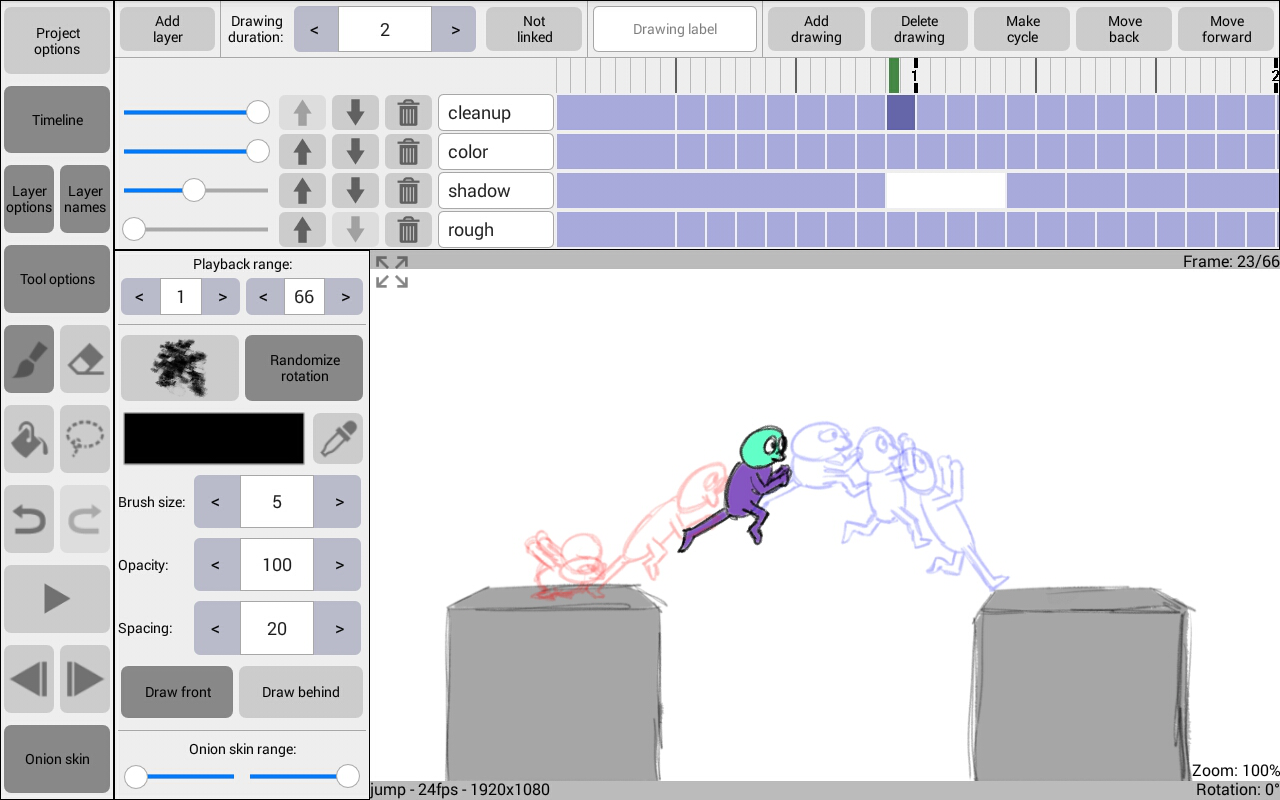
You can find RoughAnimator on your new Galaxy Tab S9 if you’re an artist or want to be one. We didn’t include it in the list of things that are great about the S Pen. This app has a lot of features and is a hand-drawn animation programme made just for screens. It gives you more power and accuracy than most other mobile animation apps because you can make animations frame by frame. One of the most important features is that it supports multiple layers, which let you divide your cartoons into characters, backgrounds, and foregrounds.
4. Selfie camera
There is one 12MP ultra-wide camera on the front. This camera is probably the most important because you will use it for Zoom or Teams business meetings and video talks. Even though selfies are fine, they often lack fine features and have noise problems.
5. Xbox IR Remote
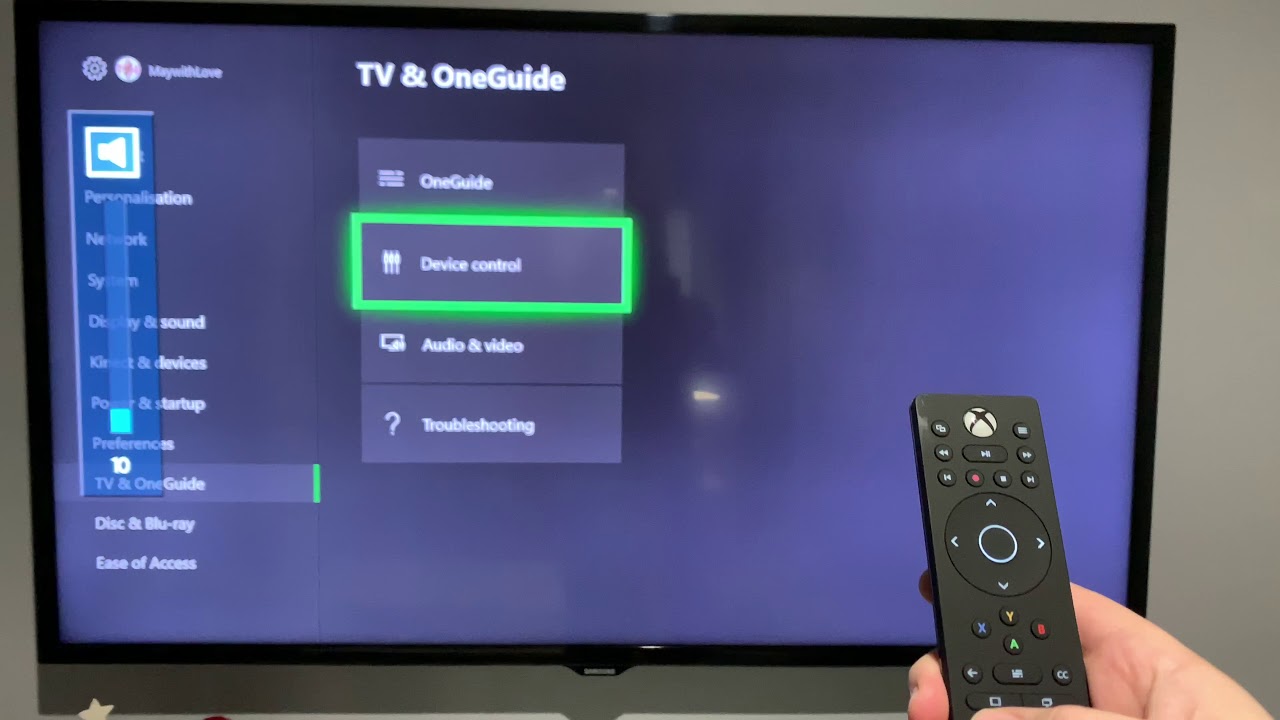
The new Samsung tablets come with Samsung WatchOn, which lets you handle TVs and cable boxes. The IR blaster in your Samsung tablet, on the other hand, can control a lot more home gadgets. You can handle your Xbox 360 through its IR port with the Xbox remote app. This is useful if you use your Xbox as your main DVD player and Netflix hub.
6. Galaxy S4 Universal Remote
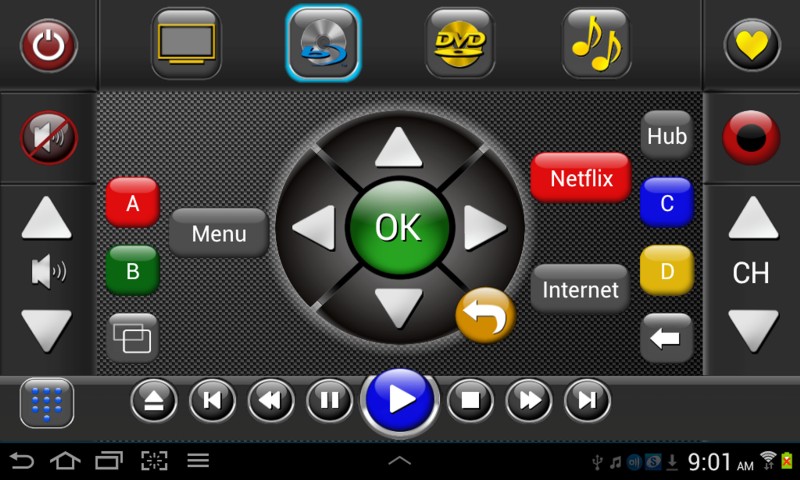
This general remote app isn’t as cool as the Xbox remote app I just talked about, but it works with more devices. You can use this app to handle both your air conditioner and a professional DSLR camera from your Galaxy Tab. This makes it an even more powerful universal remote control. Of course, it also works with TVs, cable boxes, and Xboxes.
7. Papyrus
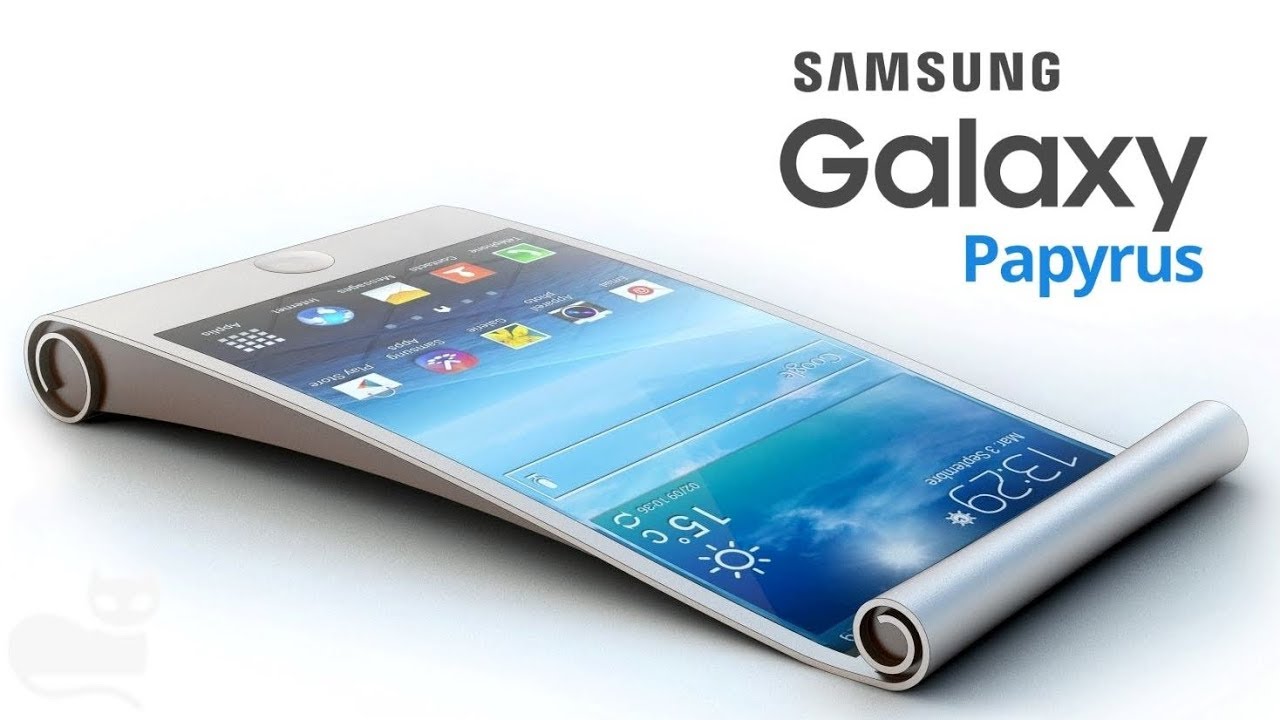
You need a good note-taking app if you have a Galaxy Note. Papyrus isn’t as complicated as Samsung’s S Note, but it still works with the S Pen. It’s easy and free-form style has won awards.
8. Evernote Widget
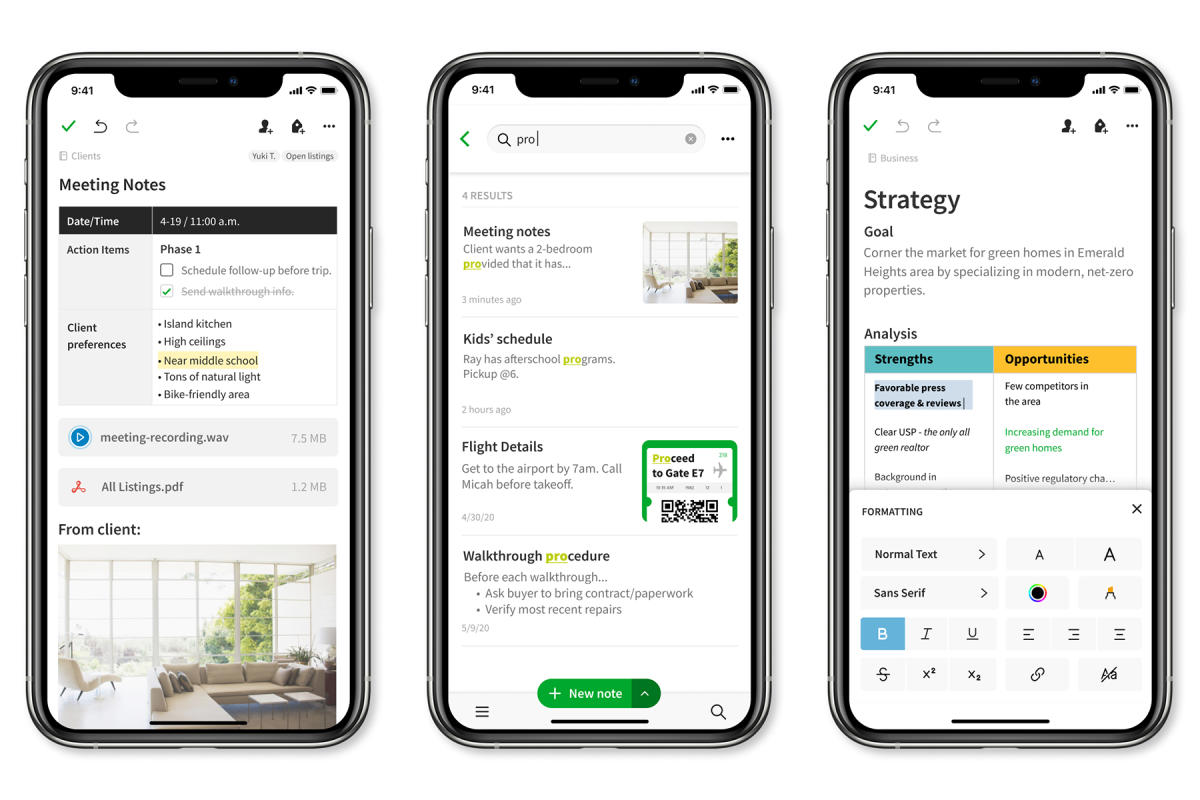
You probably already have Evernote, the popular app for taking notes that syncs with the cloud. This story is being written in Evernote right now. This app, on the other hand, is one of the less well-known parts of Evernote for Android. It’s a different download that puts your Evernote notes on your tablet’s home screen. That helps you get to your most recent notes a lot faster.
9. Flipboard
Flipboard is a great way to read news on any Android screen. After some time, though, it should get even better on Samsung screens. This is why: Flipboard works with Air View and Air Gestures on the Samsung Galaxy S4, so you can move your finger over stories to learn more about them. Apple has said that technologies like Air Gestures will be added to other Apple products in the future, like iPads.
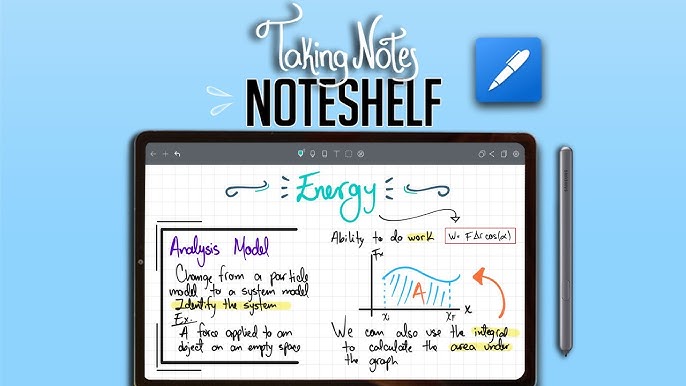
10. Noteshelf
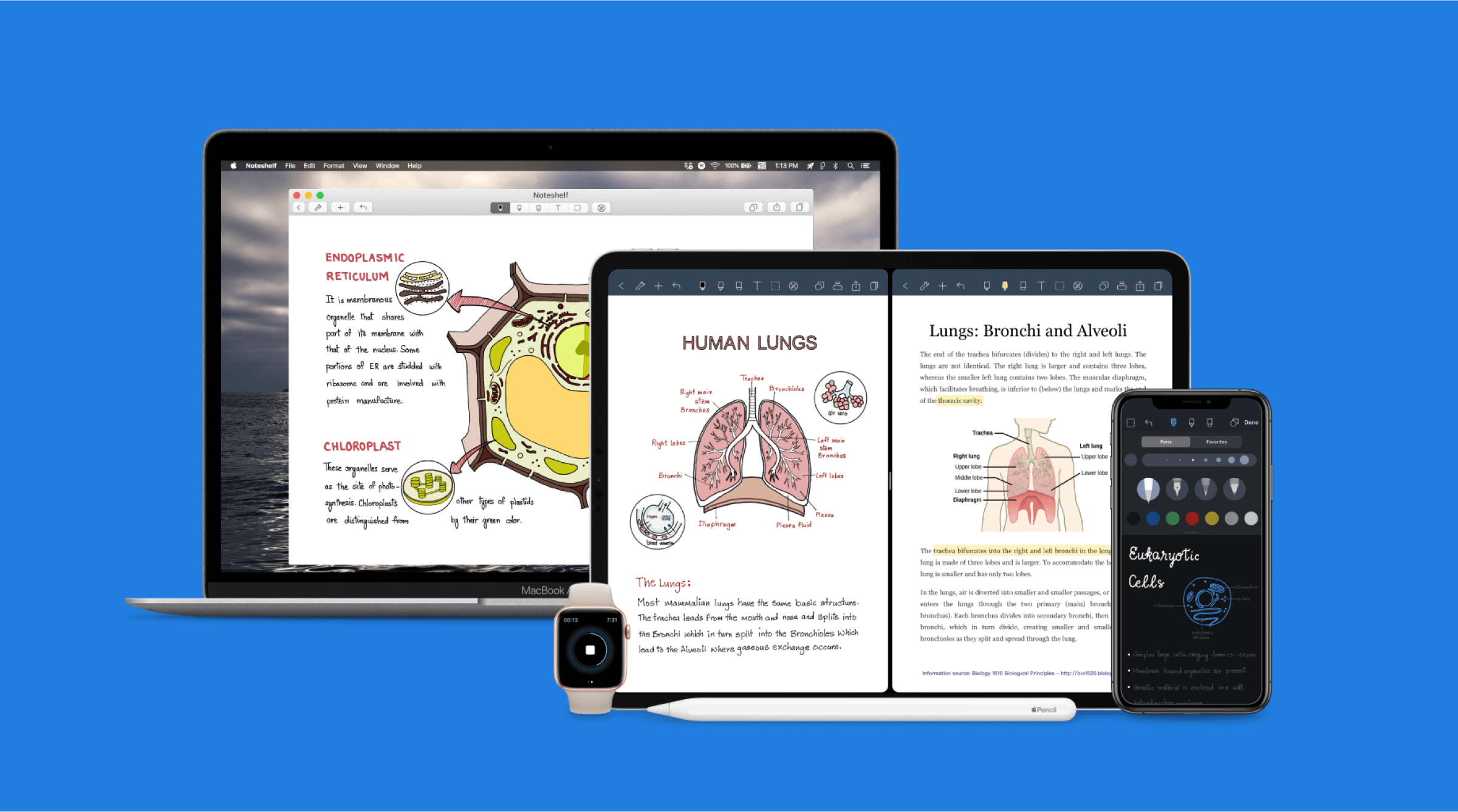
Noteshelf is a note-taking app for tablets that we’ll start our list with. Not only does Samsung come with Samsung Notes, but this app has just as many tools. You can choose from different pens and page styles in Noteshelf. The S Pen is best for writing smoothly.
Besides that, you can mark up PDFs and even write on S Pen with this app. A lot of the same tools that you can find on Samsung Notes. It’s possible to record voice notes, look through text notes, and even post your notes to Evernote right from the app.
11. Notion
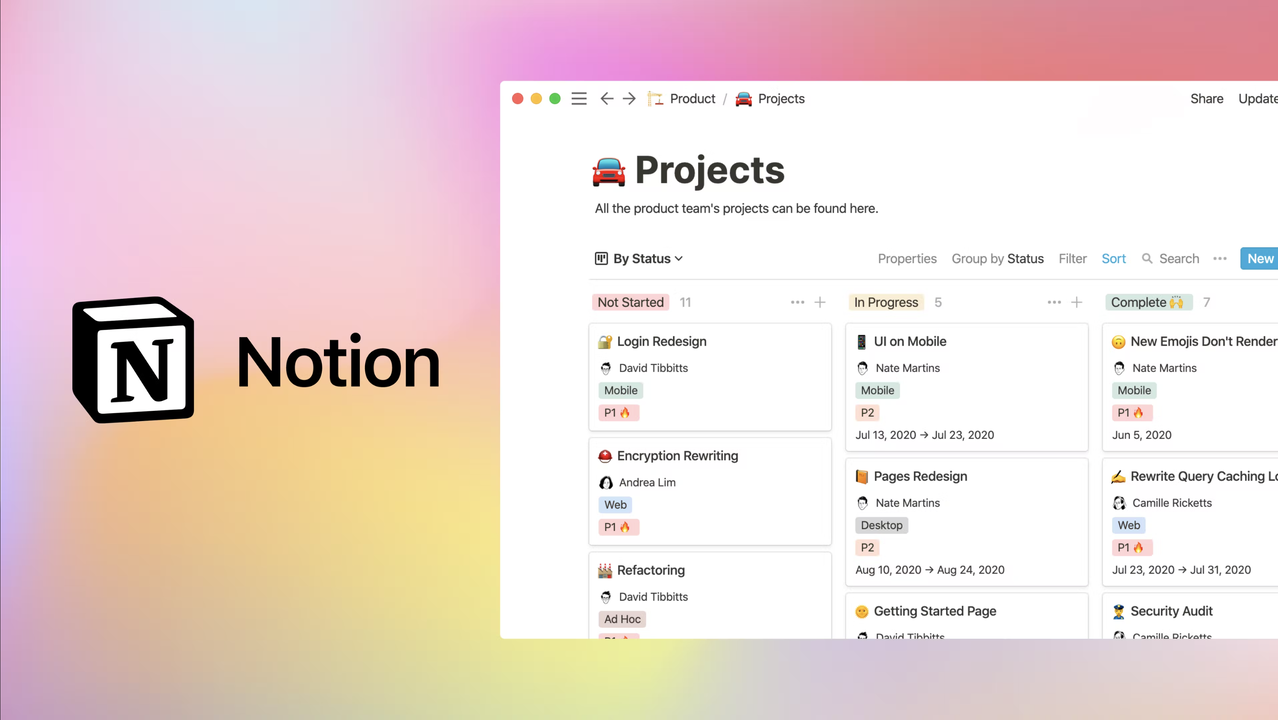
If you are looking for a productivity app for your tab, then you should try Notion. This app allows you to make notes, and docs as well as make a to-do list to organize your tasks. You can organize your complete workflow on Notion, and also invite your team members to see what you are planning.
With Notion, you can create docs by adding more than 20 content types such as images, numbers, email, URLs, checkboxes, to-do lists, etc. You can also connect your Google Drive and your GitHub profile to Notion. Your docs and notes get synced with your account which you can access on any of your devices.
12. Snapseed
You should try Snapseed on your Tab S9 if you want to edit pictures like a pro. Not only can you edit PNG or JPEG pictures in this app, but you can also edit RAW images in it. You can change photos with more than 29 tools, such as the brush, structure, HDR, repair, crop, rotate, perspective, and more.
The app has precise controls that let you edit pictures down to the last detail. Also, you can make profiles with your own edits that you can then use on new photos you change. For the most part, this is one of the best apps for editing pictures and getting them ready for social media.
13. Code Studio
For tablets, there aren’t as many IDEs and compilers as there are for full-sized laptops. Code Studio is the one we suggest. When you use this IDE on your phone, you can run Java code and make plugins for Android apps.
If you make a mistake in your code, it will show you right away in the code viewer. For even more power, you can use the shell on your Android to run your code. You can also save the code to your tab and open files with code that you’ve already written.
14. FL Studio Mobile
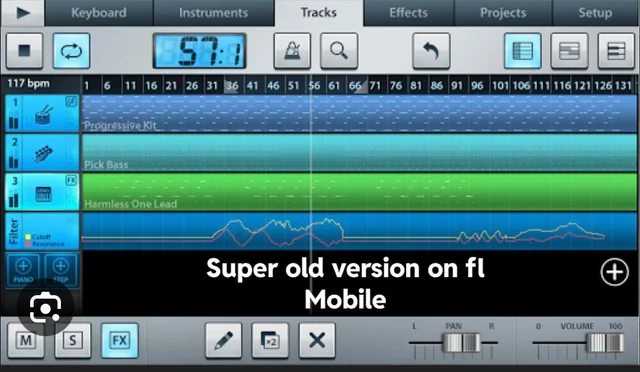
FL Studio Mobile is another app you should have on your tablet. You can work on your music projects with FL Studio Mobile. The app lets you record sound and also lets you look through the library of themes that are already there. The best thing about FL Studio Mobile is that it works with Samsung Dex and lets you use both an extra mouse and the keyboard that comes with your tab.
FL Studio Mobile lets you work on music projects with more than one track. Besides that, the app has a fake piano keyboard and drum pads. The edited music can be sent out in a number of different file types, such as MP3WAV, AAC*, MIDI, and FLAC.
