
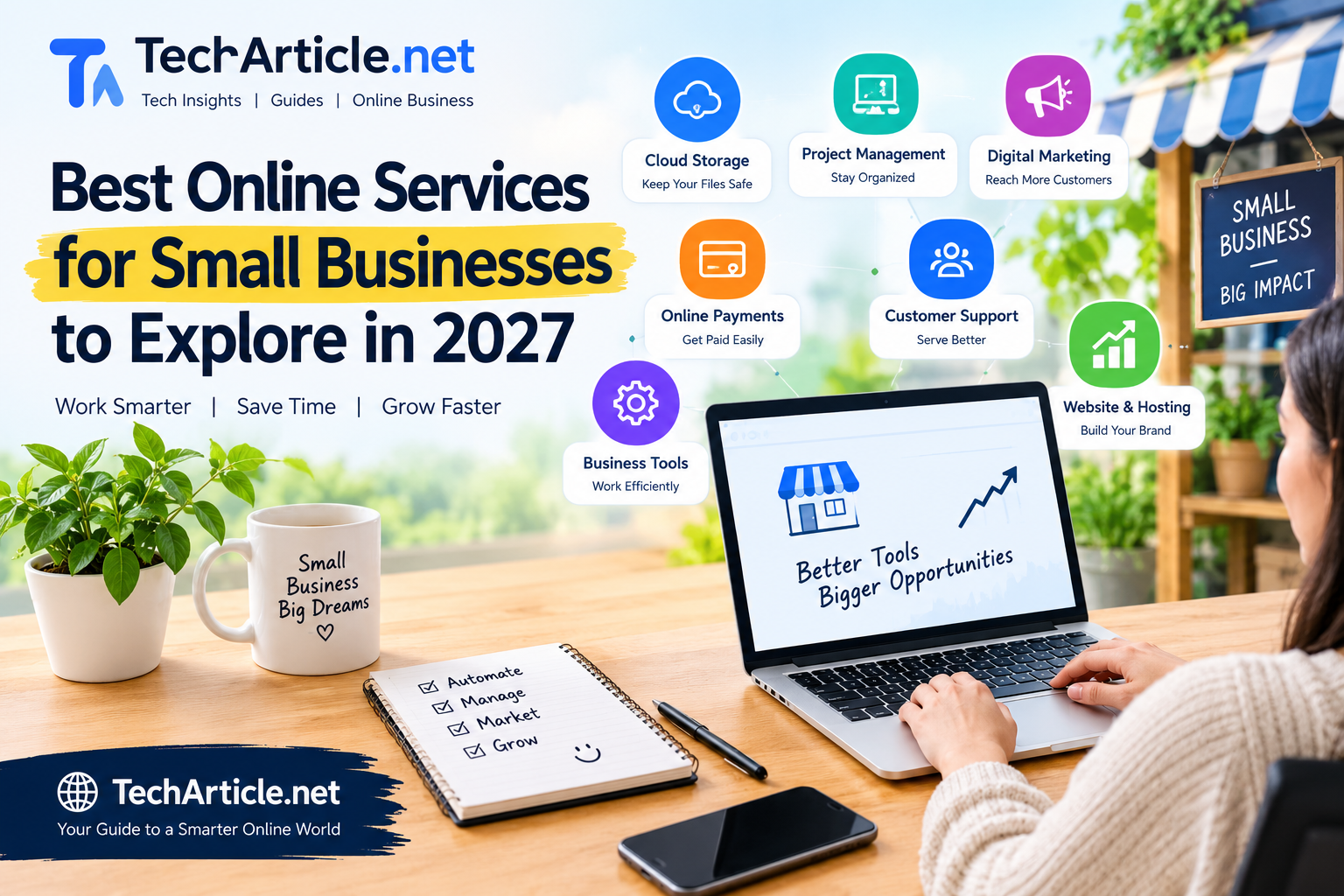
Running a small business is hard work. You may be the owner, the salesperson, the accountant, and the customer service team all at once. The good news is that online services can take over many of these jobs, saving you time and money.
The challenge is choice. There are thousands of tools and platforms, and new ones appear every month. This guide helps you sort through the options. It explains the main types of online services small businesses can explore in 2027, what each one does, who it suits, and how to choose wisely. We do not name specific brands as “the best,” because the right tool depends on your needs, budget, and location, and the market changes quickly. Instead, you will learn what to look for, so you can compare options yourself.
How to Think About “Best”
There is no single best service for every business. A good service for you is one that:
- Solves a real problem you have today.
- Fits your budget, including growth costs.
- Is easy enough for you and your team to use.
- Protects your data and your customers’ privacy.
- Works with the other tools you already use.
- Has reliable support when something goes wrong.
Before you read further, write down your top three problems. Maybe you lose track of customers, spend too long on invoices, or struggle to get new leads. Start with those problems and choose services that address them.
1. Website and Online Store Services
Your website is your online shop window. Website services range from simple site builders to full online store platforms.
What they do: Help you create a website, show your products or services, take orders, and accept payments.
Look for:
- Mobile-friendly designs.
- Fast loading pages.
- Simple tools to edit text and images.
- Secure checkout if you sell online.
- Basic search engine settings, such as page titles and descriptions.
- Clear pricing for hosting, domain names, and extra features.
Good to know: Make sure you can export your content and keep your domain name if you ever want to move. Some businesses start with a simple site and upgrade later as they grow.
2. Payment and Invoicing Services
Getting paid quickly and safely is vital. Online payment services let customers pay by card, bank transfer, or digital wallet. Invoicing tools help you send professional bills and track who has paid.
Look for:
- Payment methods your customers actually use.
- Clear fee structures, including fees per transaction.
- Automatic reminders for late invoices.
- Support for the currencies you need.
- Strong security and fraud protection.
- Easy reports for your records.
Good to know: Compare fees carefully. Small percentages can add up as your sales grow. Also check how long it takes for money to reach your bank account.
3. Accounting and Bookkeeping Services
Online accounting tools track income, expenses, taxes, and profits. Many can connect to your bank account, sort transactions, and create reports.
Look for:
- Features that match local tax and reporting rules.
- Simple dashboards that show cash flow.
- Receipt capture using a phone camera.
- Easy sharing with your accountant.
- Good backups and secure access.
Good to know: Software helps, but it does not replace professional advice. For tax, legal, and financial decisions, talk to a qualified professional who knows the rules where you live.
4. Customer Relationship Management (CRM) Services
A CRM stores information about your customers and leads, such as names, contact details, past orders, and notes from conversations. This helps you follow up on time and treat customers well.
Look for:
- Simple setup without long training.
- Reminders for follow-ups.
- A clear view of your sales steps.
- Ability to import your existing contact list.
- Integration with email and calendar.
- Privacy controls to protect customer data.
Good to know: Even a small business with a few dozen customers can benefit. Start simple and add features only when you need them.
5. Email Marketing and Messaging Services
Email is still one of the best ways to stay in touch with customers. Email marketing services help you send newsletters, offers, and updates, and many also support text messages.
Look for:
- Easy templates that work on phones.
- Tools to group contacts by interest.
- Automatic messages, such as a welcome email.
- Simple reports on opens and clicks.
- Built-in tools for unsubscribe and consent.
Good to know: Always get permission before sending marketing messages, and follow the privacy and anti-spam laws that apply to you. Sending only to people who want to hear from you protects your reputation and improves results.
6. Social Media Management Services
These tools help you plan posts, schedule content, track messages, and see what works. They can save time if you manage several platforms.
Look for:
- Support for the platforms your customers use.
- A content calendar.
- A shared inbox for comments and messages.
- Simple reports.
Good to know: More platforms do not always mean better results. It is often smarter to do one or two well than to post everywhere without a plan.
7. Search Visibility and Local Listing Services
Customers often search online before they buy. Services that improve your search visibility help people find you. For local businesses, this includes managing your business profile on map and search listings, collecting reviews, and keeping your details consistent online.
Look for:
- Tools that help you update your name, address, phone number, and hours in one place.
- Review request and response features.
- Simple reports on how customers find you.
- Honest explanations of what they do.
Good to know: Be careful with anyone who promises first place on Google or sells fake reviews. Neither can be guaranteed or is safe. Search engines reward helpful content, accurate information, and real customer feedback over time.
8. Online Advertising Services
Paid ads can bring visitors quickly. Search ads, social media ads, and local ads let you reach specific people for a budget you control.
Look for:
- Clear control over daily or monthly spending.
- Targeting options such as location, age group, and interests.
- Conversion tracking, so you know which ads lead to sales.
- Easy ways to pause or change campaigns.
Good to know: Start small. Test different messages, track results, and increase spending only when ads bring a good return. Make sure you own your ad accounts, even if an agency manages them.
9. Online Booking and Scheduling Services
If you offer appointments, classes, or visits, a booking tool lets customers choose a time any hour of the day. These tools can send reminders, reduce no-shows, and sync with your calendar.
Look for:
- Easy setup for services, prices, and working hours.
- Calendar syncing.
- Text and email reminders.
- Online payment or deposit options.
- A simple booking page you can share.
Good to know: This is especially useful for salons, clinics, tutors, consultants, trainers, and repair services.
10. Team Communication and Project Management Services
Tools for chat, video calls, task lists, and shared files help teams stay organized, especially when people work from different places.
Look for:
- Simple task boards and deadlines.
- Group and private chat.
- Easy file sharing.
- Notifications you can control.
- Mobile apps.
Good to know: Choose one main place for tasks and one for chat. Too many tools can confuse a small team.
11. Cloud Storage and Backup Services
Cloud storage keeps your files online so you can reach them from anywhere. Backup services make extra copies, so you do not lose everything if a device fails or is attacked.
Look for:
- Enough storage for your needs, with room to grow.
- Easy sharing with permission controls.
- Automatic, regular backups.
- Version history, so you can restore older files.
- Strong security, including multi-factor sign-in.
Good to know: A backup only helps if it works. Test restoring a file now and then.
12. Cybersecurity and Password Services
Small businesses are often targeted because attackers expect weaker protection. Basic security tools are not optional anymore.
Look for:
- A password manager for your team.
- Multi-factor authentication.
- Antivirus and device protection.
- Email filtering for scams and phishing.
- Simple staff training.
Good to know: No tool gives perfect protection. Good habits matter just as much, such as updating software, using strong passwords, and being careful with unexpected links and attachments.
13. Customer Support and Live Chat Services
These tools help you answer customer questions through chat, email, and social media from one place. Some include a help center where customers can find answers themselves.
Look for:
- A shared inbox for your team.
- Saved replies for common questions.
- A simple knowledge base.
- Easy handover from automated replies to a real person.
Good to know: Fast, friendly replies often matter more than fancy features. Always give customers a way to reach a human.
14. AI-Powered Business Tools
AI tools are becoming common in small business work. They can help draft emails, summarize documents, create simple images, transcribe meetings, and answer routine questions.
Look for:
- Clear explanations of how your data is used and stored.
- Options to keep private information out of the tool.
- Easy ways to review and edit what the tool produces.
- Fair pricing as usage grows.
Good to know: AI can make mistakes, so check facts and numbers before using them. If you publish AI-assisted content, edit it so that it is accurate, original, and truly helpful. Google says content should be made to help people, not only to attract search traffic.
How to Compare and Choose Services
Use this simple process for any service:
1. Define the problem. Know what you want to fix before you look at tools.
2. Set a budget. Include the monthly fee, setup costs, and charges that may rise as you grow.
3. Try before you buy. Many services offer free trials or free plans. Use them with real tasks.
4. Read honest reviews. Look at several sources and focus on detailed, recent comments. Be careful with reviews that sound too similar or too perfect.
5. Check security and privacy. Ask where data is stored, who can see it, and how you can delete it.
6. Test support. Send a question before you buy and see how quickly and clearly they answer.
7. Check integrations. Find out whether the tool works with the services you already use.
8. Plan your exit. Make sure you can export your data if you decide to leave.

Common Mistakes to Avoid
- Buying too many tools. Each new tool adds cost and learning time.
- Choosing by price alone. The cheapest option can cost more if it wastes time.
- Ignoring hidden fees. Look for extra charges for users, features, or transactions.
- Skipping training. Even simple tools work better when your team knows how to use them.
- Forgetting security. Weak passwords and shared logins create risk.
- Trusting big promises. Be careful with offers of guaranteed sales, rankings, or profits.
- Never reviewing. Check every few months whether each service is still worth its cost.
A Simple Starter Plan
If you are not sure where to begin, this order works for many small businesses:
- A clear website and a business profile on local listings.
- A payment and invoicing service.
- Accounting software.
- A simple CRM or contact list.
- Email marketing, with permission-based lists.
- Security basics, including a password manager and backups.
- Booking, support, or advertising tools as your needs grow.
Frequently Asked Questions
How many online services does a small business need? Only as many as solve real problems. Many businesses start with a website, payments, accounting, and email, and add more later.
Are free plans good enough? They can be a good way to start, but check the limits, such as the number of contacts or users, and what happens when you grow.
Is it safe to store business data online? Reputable services invest in security, but you also need to protect your accounts with strong passwords and multi-factor sign-in.
Should I use one all-in-one platform or separate tools? All-in-one platforms are simpler and can save time. Separate tools may give you better features in specific areas. Choose based on your needs and how easily the tools connect.
Conclusion
The best online services for your small business in 2027 are the ones that solve your real problems, fit your budget, protect your data, and are simple enough to use every day. You do not need every tool. Start with the basics, learn how they work, and add more only when there is a clear need.
Take your time, try services before you commit, and keep ownership of your accounts and data. Be careful with big promises, and focus on tools that help you serve your customers well. With a thoughtful approach, online services can free up your time and help your business grow.
Running a small business is hard work. You may be the owner, the salesperson, the accountant, and the customer service team all at once. The good news is that online services can take over many of these jobs, saving you time and money.
The challenge is choice. There are thousands of tools and platforms, and new ones appear every month. This guide helps you sort through the options. It explains the main types of online services small businesses can explore in 2027, what each one does, who it suits, and how to choose wisely. We do not name specific brands as “the best,” because the right tool depends on your needs, budget, and location, and the market changes quickly. Instead, you will learn what to look for, so you can compare options yourself.
