
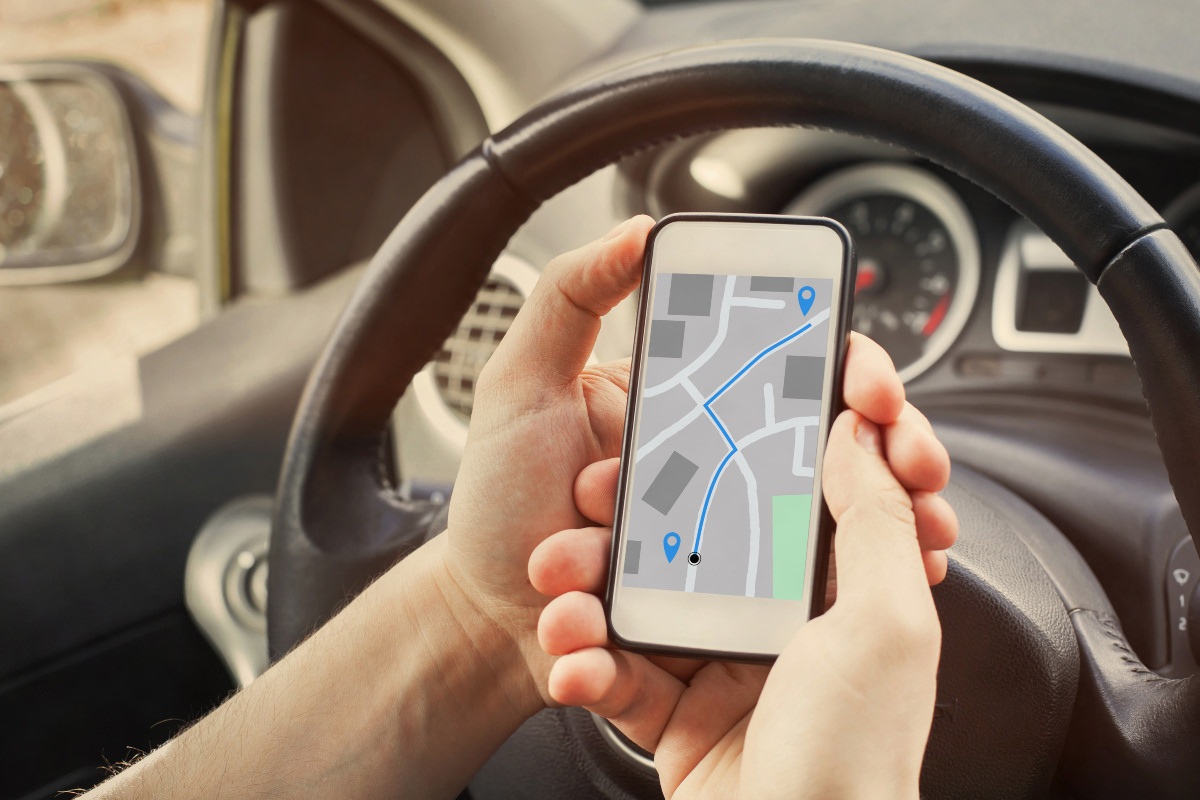
Whether you’re trying to keep an eye on a new driver in the family, protect a car from theft, manage a small fleet of work vehicles, or simply want peace of mind knowing exactly where your car is at any given moment, GPS vehicle tracking has become remarkably accessible. What used to require expensive, professionally installed equipment reserved for commercial fleets is now something you can set up yourself in under an hour, often for less than the cost of a tank of gas per month.
But “GPS tracking” isn’t a single, one-size-fits-all solution. There are different types of devices, different installation methods, and different ongoing costs depending on what you’re actually trying to accomplish. This guide walks through everything you need to know to track a vehicle using GPS from choosing the right type of tracker to installing it, setting up alerts, and understanding what the data actually tells you.
How GPS Vehicle Tracking Actually Works
At a basic level, a GPS vehicle tracker uses satellite signals to determine its precise location, then transmits that location data usually over a cellular network to a server that your phone app or web dashboard can access. This is why most GPS trackers require an active data plan or subscription: the GPS chip itself can determine location without an internet connection, but getting that location information to you in real time requires a way to transmit it.
The tracker calculates its position by measuring the time it takes for signals from multiple satellites to reach it, triangulating an accurate location, typically accurate to within a few meters under normal conditions. That location, along with data like speed and direction of travel, gets sent to the tracking platform at set intervals, which can range from every few seconds for real-time tracking to less frequent updates for basic location logging.
Types of GPS Vehicle Trackers
Before choosing a tracker, it helps to understand the main categories, since each is suited to a different use case.
OBD-II Plug-In Trackers
These trackers plug directly into your vehicle’s OBD-II port, a standard diagnostic port found in nearly every car manufactured since the mid-1990s, usually located under the dashboard near the steering column.
Pros: No wiring or professional installation required; draws power directly from the vehicle, so no separate battery to charge or replace; often provides additional vehicle diagnostic data alongside location.
Cons: Visible and easy to unplug or remove, making it a poor choice if you’re specifically trying to track a vehicle without the driver’s knowledge; not usable on older vehicles without an OBD-II port.
Hardwired Trackers
Hardwired trackers connect directly to a vehicle’s electrical system, typically installed behind the dashboard or under the hood by a professional installer.
Pros: More discreet and tamper-resistant than plug-in devices; continuous power from the vehicle means no battery concerns; harder to accidentally or intentionally disconnect.
Cons: Requires professional installation in most cases, adding upfront cost; less convenient to move between vehicles compared to plug-in or portable options.
Battery-Powered Portable Trackers
These are standalone devices with their own internal battery, often housed in a small, weatherproof, magnetic case that can be attached almost anywhere on or inside a vehicle.
Pros: No installation required just attach it and go; can be moved between vehicles easily; doesn’t rely on the vehicle’s electrical system, so it still works even if the vehicle’s battery dies.
Cons: Requires periodic recharging or battery replacement; battery life varies significantly depending on update frequency, from a few days to several months.
Built-In Manufacturer Systems
Many newer vehicles come with factory-installed GPS tracking connected to the manufacturer’s own app, such as GM’s OnStar, Toyota’s Connected Services, or similar systems from other automakers.
Pros: Already integrated into the vehicle, often with additional features like remote start, diagnostics, and roadside assistance; no separate hardware needed.
Cons: Usually requires an ongoing subscription that can be more expensive than third-party trackers; features and pricing vary significantly by manufacturer and may lapse after an included trial period.
Choosing the Right Tracker for Your Situation
Different goals call for different types of trackers, and matching the tracker to your actual need matters more than picking whatever has the most features.
Monitoring a teen driver: An OBD-II plug-in tracker with driving behavior alerts (speeding, hard braking, rapid acceleration) works well here, since the goal is usually transparency and coaching rather than covert monitoring.
Protecting against theft: A hardwired or well-hidden portable tracker is generally more effective, since a visible OBD-II tracker is one of the first things a car thief might look for and remove.
Managing a small business fleet: OBD-II or hardwired trackers with fleet management dashboards make sense here, particularly ones offering driver scorecards, maintenance alerts, and multi-vehicle reporting.
Tracking a vehicle you don’t drive daily, like a boat trailer, RV, or seasonal vehicle: A battery-powered portable tracker with long battery life and low update frequency is usually the most practical choice, since it doesn’t rely on the vehicle’s own power system.
Step-by-Step: Setting Up a GPS Vehicle Tracker
While exact steps vary by device and manufacturer, the general setup process looks similar across most consumer GPS trackers.
Step 1: Choose and purchase a tracker that matches your use case, considering installation type, update frequency, and subscription cost.
Step 2: Install the device. For OBD-II trackers, this simply means plugging it into the OBD-II port, usually located under the steering column. For hardwired trackers, this typically requires a professional installer unless you’re comfortable working with vehicle wiring yourself. Portable trackers just need to be placed in a secure, ideally hidden location.
Step 3: Download the corresponding app and create an account, following the manufacturer’s pairing instructions to connect the physical device to your account.
Step 4: Activate the required data plan or subscription. Nearly all cellular-connected GPS trackers require an ongoing plan to transmit location data, which you’ll typically set up during the initial app configuration.
Step 5: Configure geofences and alerts. Most apps let you draw a virtual boundary on a map and receive a notification whenever the vehicle enters or leaves that area — useful for things like getting an alert when a teen driver arrives at school or leaves a designated area.
Step 6: Test the tracker by taking the vehicle for a short drive and confirming the app is accurately reflecting the vehicle’s real-time location and movement.
Understanding the Data Your Tracker Provides
Most GPS vehicle trackers provide more than just a location dot on a map. Common data points include:
- Real-time location and speed
- Trip history, showing routes taken over a given period, useful for mileage logging or reimbursement purposes
- Geofence alerts, notifying you when the vehicle enters or exits a defined area
- Driving behavior scores, based on speeding, harsh braking, and rapid acceleration
- Idle time reports, showing how long a vehicle sits running without moving, which matters for fuel cost tracking in fleet settings
- Vehicle diagnostics, for OBD-II-connected trackers, including engine fault codes and battery health
For personal use, the location, geofencing, and driving behavior data tend to matter most. For fleet or business use, trip history, idle time, and diagnostic data become significantly more valuable for cost management and maintenance planning.
Legal Considerations Before Installing a Tracker
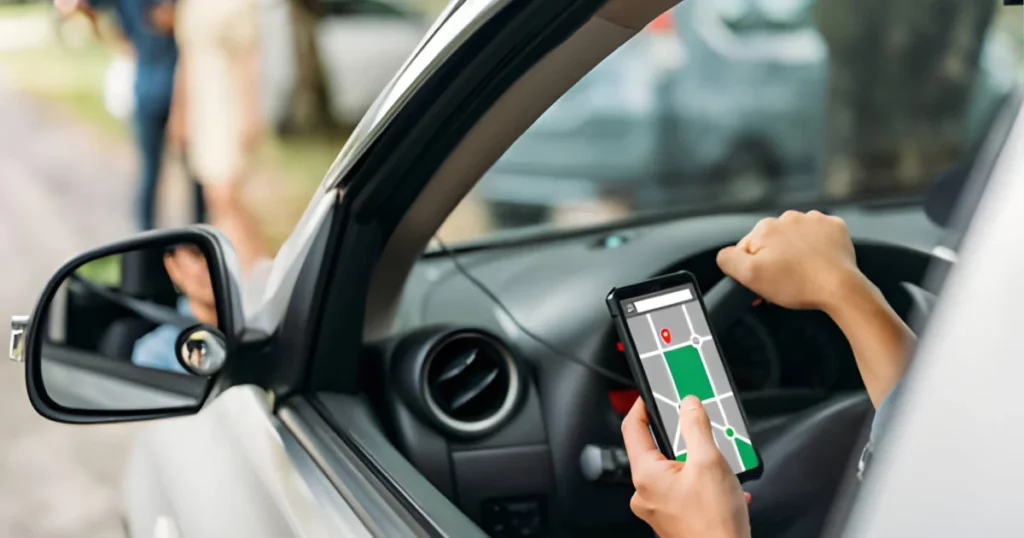
GPS tracking laws vary by location, but a few general principles apply in most places:
- Tracking a vehicle you own outright is generally legal, including vehicles registered to a minor in your household.
- Tracking a company vehicle used by an employee is typically legal, though many jurisdictions require some form of notice or policy disclosure to employees.
- Tracking a vehicle owned by someone else without their consent, including a spouse’s or partner’s separately owned vehicle, is illegal in many places and can carry serious legal consequences, including stalking-related charges.
If you’re unsure whether tracking a specific vehicle is legally permissible in your situation, it’s worth checking local regulations or consulting a legal professional before installing a device, particularly in shared custody, co-ownership, or workplace scenarios where consent expectations can be less clear-cut.
Ongoing Costs to Expect
Beyond the upfront cost of the device itself, which typically ranges from around $20 for basic portable trackers to $100 or more for advanced fleet-focused hardware, expect an ongoing monthly or annual subscription fee to cover the cellular data used to transmit location information. These plans generally range from about $5 to $30 per month depending on update frequency, number of vehicles, and additional features like driver behavior reporting or crash detection.
It’s worth factoring this recurring cost into your decision, since a cheaper device with an expensive data plan can end up costing more over a year or two than a slightly pricier tracker with a more affordable subscription.
Frequently Asked Questions
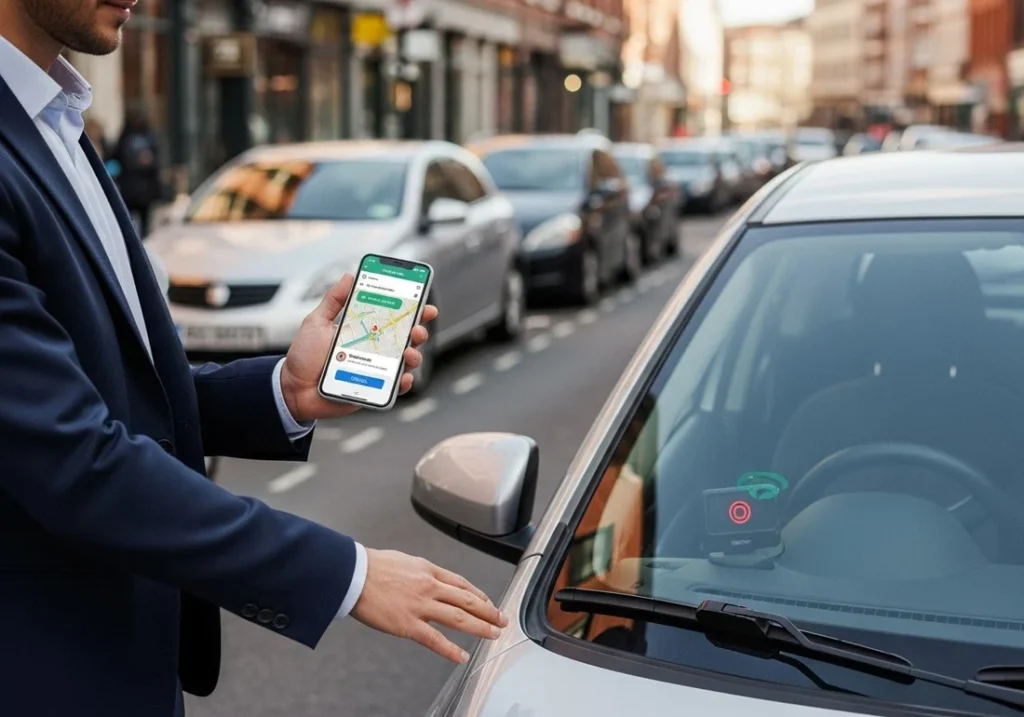
1. Do I need a subscription to use a GPS vehicle tracker? Yes, in almost all cases. The GPS chip itself doesn’t require a subscription to determine location, but transmitting that location to your phone or a web dashboard in real time requires a cellular data connection, which is what the subscription covers.
2. Is it legal to put a GPS tracker on my own car? Yes, tracking a vehicle you own is generally legal in most places. Legal complications typically arise when tracking a vehicle owned by someone else without their knowledge or consent.
3. How accurate is GPS vehicle tracking? Most consumer GPS trackers are accurate to within a few meters under normal conditions, though accuracy can decrease slightly in dense urban areas, tunnels, or parking garages where satellite signals are obstructed.
4. Can a GPS tracker work if my car battery dies? It depends on the type of tracker. Hardwired and OBD-II trackers rely on the vehicle’s electrical system and will stop transmitting if the battery dies, while battery-powered portable trackers have their own internal power source and can continue functioning independently.
5. Will a GPS tracker drain my car’s battery? Hardwired and OBD-II trackers draw a small amount of power continuously, but modern trackers are generally designed to use minimal power and shouldn’t meaningfully drain a healthy vehicle battery under normal circumstances.
6. Can GPS trackers help recover a stolen vehicle? Yes, real-time tracking data can be provided to law enforcement to assist in locating a stolen vehicle, and discreetly installed hardwired or hidden portable trackers tend to be more effective for this purpose than easily visible OBD-II devices.
7. How often does a GPS tracker update the vehicle’s location? Update frequency varies by device and plan, ranging from real-time updates every few seconds for premium plans to periodic updates every few minutes for basic or battery-conservation-focused settings.
Final Thoughts
GPS vehicle tracking has become genuinely accessible, whether you’re monitoring a new driver, protecting a car from theft, or managing a small fleet of work vehicles. The right setup depends on matching the tracker type, installation method, and update frequency to your actual goal rather than defaulting to whatever tracker has the most features on paper. Once installed and configured with the right geofences and alerts, a GPS tracker tends to fade into the background of daily life, quietly doing its job until the moment you actually need it.
