
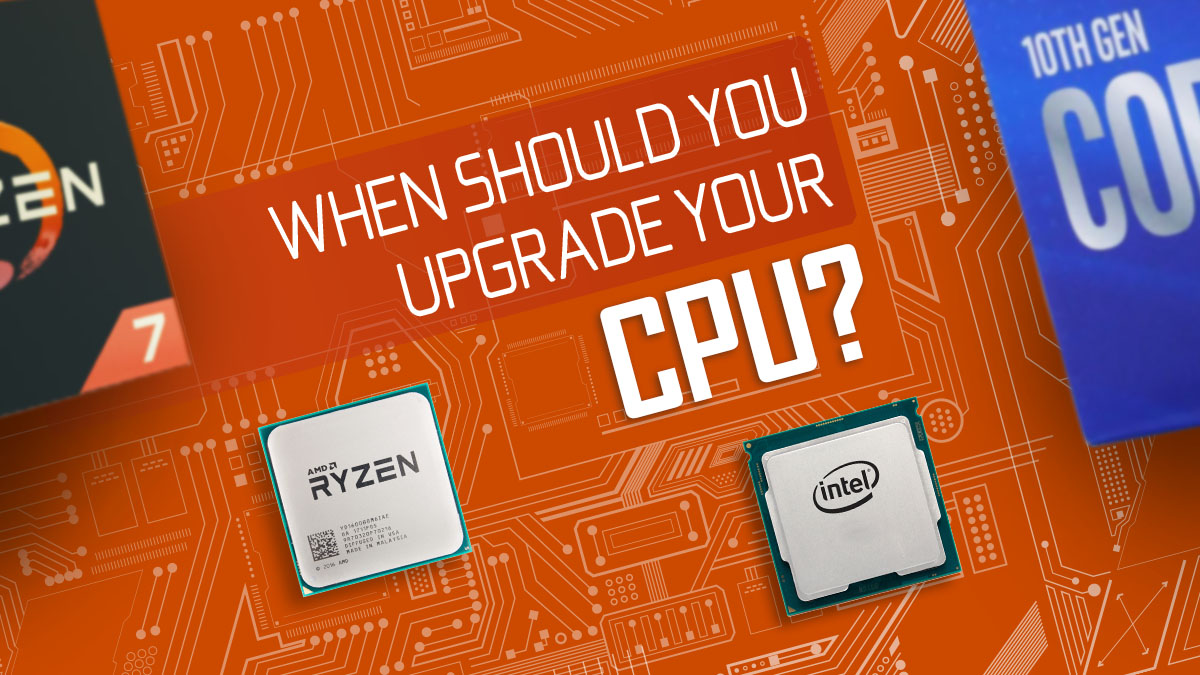
When you opt to upgrade your computer’s CPU, expect a significant boost in system performance. The CPU, essential for tasks ranging from gaming to complex graphical tasks, is the powerhouse of your computer. With the CPU market size reaching $14.7 billion in 2024 due to advancements in mobile and AI technologies, now is an optimal time to consider an upgrade.
A new CPU not only enhances performance but also prolongs your system’s usability, supporting newer applications and software without the need for a full system overhaul. This upgrade is particularly beneficial as software demands become more complex, requiring more efficient processing capabilities to function smoothly. Let’s explore the crucial information necessary for making a well-informed upgrade decision.
Choosing a Reputable Supplier
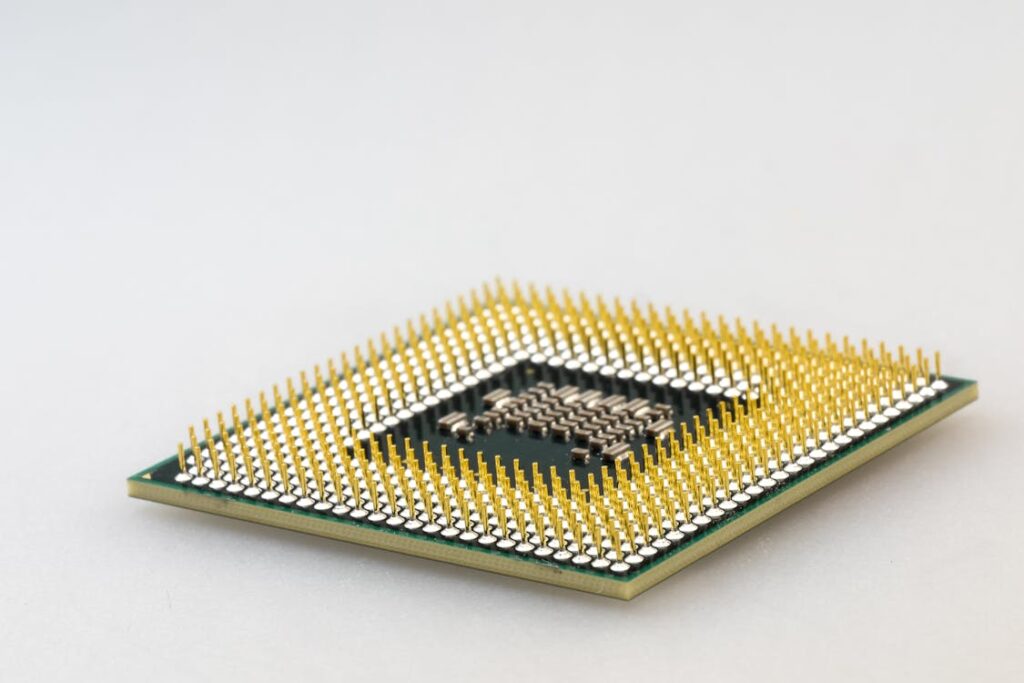
Securing your new CPU from a reliable supplier is vital to avoid counterfeit products. It is advisable to shop CPUs from established retailers or directly from manufacturers. These sources typically offer added benefits like warranties and customer support, ensuring you receive a legitimate product backed by assistance. Ensuring authenticity also protects you against potential malfunctions and compatibility issues often associated with inferior products. Always consult online reviews and customer feedback to gauge the reliability of suppliers, ensuring they have a proven record of providing quality products.
Compatibility with Your Motherboard
Begin your CPU upgrade by confirming that your new processor matches your current motherboard’s specifications. Each motherboard accommodates a specific CPU socket type and chipset that must align with your new CPU. Verifying this compatibility is essential to prevent unnecessary expenditure on an incompatible processor. Understanding the compatibility not only saves money but also ensures that your system operates at peak efficiency. It’s equally crucial to update your BIOS if needed to support the new CPU, a critical step for maintaining system stability that is often neglected.
Performance Needs
Consider what performance level you need from your new CPU. Are you a gamer needing high frame rates, or a professional who uses intensive applications like video editing software? CPUs vary in core count and clock speeds, impacting their efficiency in different tasks. Select a CPU that meets your specific needs to avoid over-spending on unnecessary power or under-performing for demanding tasks. This tailored approach not only optimizes your system’s performance but also makes your investment more cost-effective in the long run. If you’re upgrading for gaming, also research which games benefit most from higher core counts or faster clock speeds, as not all titles utilize CPU resources equally.
Budget Considerations
Your budget plays a significant role in choosing a CPU. High-end CPUs offer top performance but at a higher price. Determine how much you are willing to spend and try to find the best performance within your budget. Keep an eye on sales or consider last-generation models, which can offer good value.
Additionally, consider the longevity of the CPU model to ensure it remains effective as software requirements evolve. It’s also worth calculating the total cost of the upgrade, including additional expenses like cooling systems or a new PSU, to ensure your investment fits within your financial plan.
Cooling Requirements
Upgrading to a more powerful CPU often means dealing with increased heat output. Ensure your current cooling system can handle the new processor’s requirements. If your current cooling setup is inadequate, you might consider upgrading to a more robust air cooler or a liquid cooling system to sustain ideal operating temperatures and efficiency. Proper cooling extends the life of your CPU by preventing overheating that can degrade components over time. It’s crucial to align your cooling solution with the CPU’s thermal design power (TDP) to avoid mismatches that could cause thermal throttling and degrade performance.
Power Supply and Other Hardware Upgrades
Upgrading your CPU might exceed the capabilities of your existing power supply. Verify that the power supply unit (PSU) can handle the new CPU’s wattage requirements and has the appropriate connectors. Also, assess whether components such as RAM or the graphics card need enhancements to keep your system balanced and prevent bottlenecks. Additionally, upgrading the power supply may improve overall system stability and efficiency, especially under load. Moving to a contemporary multi-core processor, for instance, might necessitate quicker or more substantial RAM to elevate performance, particularly with demanding applications.

Conclusion
A CPU upgrade can markedly enhance your computer’s performance, requiring meticulous evaluation of various factors such as compatibility, vendor credibility, performance requirements, budget, cooling, and power supply. By methodically examining each element, you position yourself to select the most suitable CPU upgrade. This process not only facilitates a seamless upgrade but also leverages your system’s full potential into the future. With the right preparation and choice, your upgraded system will handle future demands with ease, making your technology investment truly worthwhile. Whether creating a high-octane gaming setup or a professional workstation, this strategic approach maximizes your investment return.
