
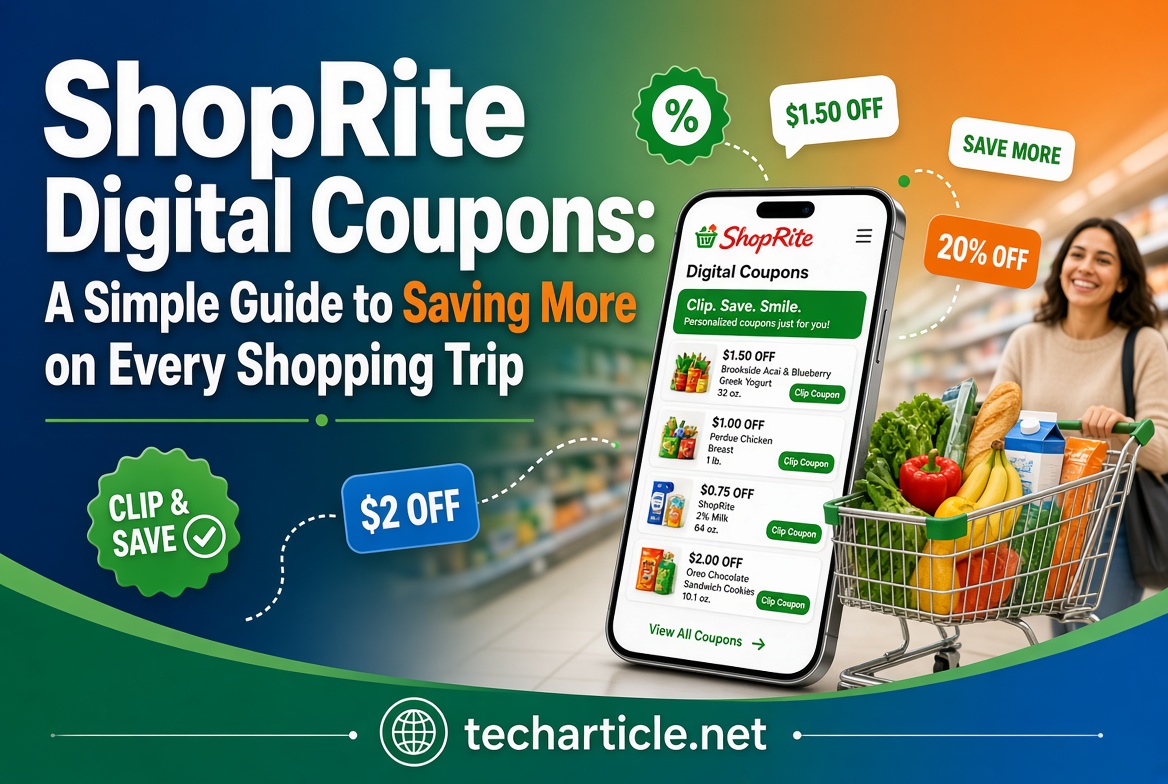
Grocery prices affect almost every household, and coupons are one of the simplest ways to spend less. In the past, this meant cutting paper coupons from the Sunday newspaper and carrying a folder to the store. Today, many shoppers do the same thing on a phone. ShopRite, a supermarket chain in the northeastern United States, offers digital coupons that you “clip” online or in an app and that apply at checkout through your store card.
This guide explains in clear and simple language how ShopRite digital coupons work, how to start using them, what the rules say, and how to avoid common mistakes. We also share practical habits that can help you save more without buying things you do not need.
Please note: this article is general information. ShopRite stores are independently owned, so policies, offers, and prices can differ from store to store and change often. Before you plan a shopping trip, please check ShopRite’s official coupon policy and your local store. We could not open ShopRite’s digital coupon.
What Are ShopRite Digital Coupons?
ShopRite’s coupon policy describes several kinds of coupons:
- Print coupons. These are clipped from the weekly circular or other paper sources.
- Digital coupons. You clip these in the online or app coupon center, and they load to your Price Plus Club card.
- “Clip less” coupons. These load to your card automatically, so you do not need to select them one by one.
Digital and clip-less coupons both need the card. Without it, the system cannot find your offers at the register.
An independent coupon website, The Krazy Coupon Lady, also describes “Click, Don’t Cut” offers, which it says used to be called Super Coupons. These appear in the Digital Coupon Center and usually need a minimum purchase. Because that source is not ShopRite itself, please check the current name and rules on ShopRite’s own pages.
What Is the Price Plus Club Card?
The Price Plus Club card is ShopRite’s free store card. According to ShopRite’s own page, the card brings benefits such as:
- Instant cash discounts on hundreds of items in the store
- Special offers and promotions, including free holiday items
- Exclusive mailings and offers
- Coupons on brands you buy
- Product safety recall notifications
- Your savings printed at the bottom of your register receipt
ShopRite’s page says to bring your card every time you shop. It does not explain the sign-up steps on that page, so please follow the instructions in the app, on the website, or at the customer service desk of your store. An independent source says you can sign up for free online or in the store.
Step-by-Step: How to Use ShopRite Digital Coupons
Step 1: Get Your Price Plus Club Card
If you do not have a card yet, sign up through ShopRite’s official website or app, or at your local store. Make sure your phone number is linked to the card, since many shoppers use it at checkout instead of the plastic card.
Step 2: Find the Digital Coupon Center
According to the independent coupon guide, you can clip digital coupons in three places:
- The Digital Coupon Center on the ShopRite website
- In-store kiosks
- The ShopRite mobile app
Use only the official website and the official app. Search results can include lookalike or reseller pages that are not run by ShopRite, so type the address yourself or download the app from your phone’s official app store.
Step 3: Clip the Coupons You Will Really Use
Browse the offers and clip only items you already buy or planned to buy. This is the most important rule of couponing: a coupon saves money only when you would have purchased the item anyway. Buying something just because it has a coupon can cost more than skipping it.
Step 4: Check the Details
Before you clip or shop, look at:
- The exact size or variety the coupon applies to
- The expiration date
- Any minimum purchase or quantity limit
- Whether the offer is a ShopRite coupon or a manufacturer coupon
Digital offers usually have a start and end date. The independent guide gives examples of short windows and notes that ShopRite deals run from Sunday to Saturday, which is the same cycle as the weekly circular.
Step 5: Shop and Scan Your Card
In the store, buy the items and give your card or phone number at checkout. The coupons that match your items should apply automatically. Check the screen and your receipt.
Step 6: Review Your Receipt
ShopRite’s page says your savings show at the bottom of your register receipt. Take a moment to confirm that each coupon was applied. If one is missing, speak to customer service while you are still at the store.
Key Rules From ShopRite’s Coupon Policy
Rules matter, because a coupon that does not apply is a coupon wasted. The following points come from ShopRite’s official coupon policy page. The policy also says that its terms may change at the store manager’s discretion, so always confirm with your store.
Stacking
- One ShopRite coupon and one manufacturer coupon can be used on the same item in one transaction.
- If you present several coupons of the same type for one item, the register applies the highest-value one.
- Manufacturer offers cannot be combined with each other.
- During “Digital Clip or Load” events, digital and paper coupons for the same item cannot be combined.
- Only one manufacturer coupon applies to a “Buy One, Get One Free” offer.
Limits
- ShopRite may limit paper coupons to four of the same coupon per household per day.
- Digital and clip-less coupons are redeemed once.
- If a coupon has a quantity limit, you must meet it in a single transaction, or the coupon is still marked as used.
Expired coupons and overage
- ShopRite follows the expiration date printed on the coupon.
- Coupons must be applied at checkout and cannot be applied to a past purchase.
- If a coupon is worth more than the item, the item can be free, but you do not get cash or credit for the extra value.
Restrictions
- Coupons cannot be used on excluded items such as medications, gift cards, alcohol, tobacco, and fuel, unless the coupon says otherwise.
- Coupons that look copied, altered, sold, transferred, or mass-cut are void.
- The register decides whether a coupon is valid, and staff will not override a declined coupon.
- Coupons are not refunded if you return an item.
- Barcodes on phones and other electronic devices are not accepted.
- Competitor coupons are accepted only if they are clearly labeled as manufacturer coupons and scan correctly.
- Online orders accept only digital coupons, not paper ones.
A note on conflicting information. An independent source says that some “Limit 4” digital offers can be used up to four times in one transaction. ShopRite’s own policy says digital and clip-less coupons are redeemed once, and that any stated limit must be used in a single transaction. When two sources differ, follow the official policy and check the wording on the individual coupon.

How to Save More: Practical Tips
1. Start With the Weekly Circular
Because ShopRite deals run from Sunday to Saturday, the new circular gives you a fresh list each week. Look at what is on sale, then see which digital coupons match. A coupon on top of a sale price usually gives the best result.
2. Clip Early in the Week
The independent coupon guide suggests clipping on Sundays, when new offers are released, because supply can be limited. This is a reasonable habit if you want popular items, but there is no guarantee for any particular offer.
3. Make a List and Stick to It
Write a list before you clip. Clip only what is on it, or what replaces something you were already going to buy. This protects you from the common trap of spending more because “it was on sale.”
6. Think About Pickup and Delivery
ShopRite’s policy says online orders accept only digital coupons. The independent guide reports fees for pickup and delivery that vary by store, and that some online promotions need a minimum spend. Because fees can erase coupon savings, compare the total cost before you choose.
Common Problems and How to Fix Them
The coupon did not apply. Check that the coupon was loaded to your card and has not expired. Confirm that you bought the exact size or variety. Make sure you met any minimum purchase or quantity. Check whether it conflicts with another coupon on the same item.
The cashier cannot find my account. Check that you used the right phone number or card. Make sure your details are up to date in the app or on the website.
The coupon disappeared. Some coupons are removed after they are used or after the offer ends. ShopRite’s policy also says that third-party platforms may not accept ShopRite digital coupons and may delete them, and ShopRite is not liable for that. Use the official website or app.
I used a coupon but did not meet the limit. According to the policy, the coupon can still be marked as used. Read the limit before you shop.
Safety and Privacy
Digital coupons connect your shopping habits to your account, so use only the official website and app, protect your password, and ignore offers that ask for payment or bank details. A real coupon never needs your Social Security number. Also check what the app collects and which marketing messages you accept.
Frequently Asked Questions
Do I need a Price Plus Club card to use digital coupons? According to ShopRite’s coupon policy, digital coupons must be loaded onto your Price Plus Club card before use.
Is the Price Plus Club card free? ShopRite’s page calls it free.
Where can I clip digital coupons? An independent source lists the website, in-store kiosks, and the ShopRite app. Use official channels only.
Can I use a digital coupon more than once? ShopRite’s policy says digital and clip-less coupons are redeemed once.
Can I combine a ShopRite coupon with a manufacturer coupon? Yes, the policy allows one ShopRite coupon and one manufacturer coupon on the same item in one transaction. Manufacturer offers cannot be combined with each other.
Can I use paper and digital coupons together? Not for the same item during “Digital Clip or Load” events, according to the policy. At other times, the same stacking rules apply. Confirm with your store.
Do ShopRite digital coupons work for online orders? Yes. In fact, online orders accept only digital coupons, not paper ones.
What if a coupon is worth more than the item? The item can be free, but you do not receive cash or credit for the difference.
Are policies the same at every ShopRite? Not always. Stores are independently owned, so check your local store.
Final Thoughts
ShopRite digital coupons are a simple and low-cost way to lower your grocery bill. The basic steps are easy: join the Price Plus Club, clip the offers you will actually use, shop with your card or phone number, and check your receipt. The biggest savings usually come from planning, not from chasing every deal.
Remember the key points: follow the official coupon policy, watch the limits and expiration dates, be careful about stacking rules, and use only official websites and apps. Compare final prices and avoid buying items you do not need. With a short weekly routine, digital coupons can become a steady and sensible part of your household budget.
